Advanced Data Analysis Alternative: A Purpose-Built Tool for Real Reports
OpenAI Advanced Data Analysis is useful. It is not a report-grade tool. Here is the alternative built for the second use case — defensible analysis, reproducible code, local-first privacy.
PlotStudio AI is the Advanced Data Analysis alternative we recommend for anyone whose output has to be defensible. Same upload-and-ask workflow, but with structured profiling, cleaning documentation, proper statistics, limitations, and reproducible Jupyter notebook export — running locally on your machine.
What Advanced Data Analysis Does
OpenAI Advanced Data Analysis (previously Code Interpreter) runs Python against files you upload inside ChatGPT. You can drag in CSVs, Excel files, images, PDFs. It will read, parse, chart, model, and summarize. For one-off exploration it’s one of the best tools available — fast, flexible, low-friction.
Where It Falls Short
- Sandbox is ephemeral. Close the chat, come back later, the file and all analysis state are gone. You cannot iterate on a serious analysis over weeks.
- No structured profiling. It will analyze your data as asked — it will not proactively audit the data before modeling.
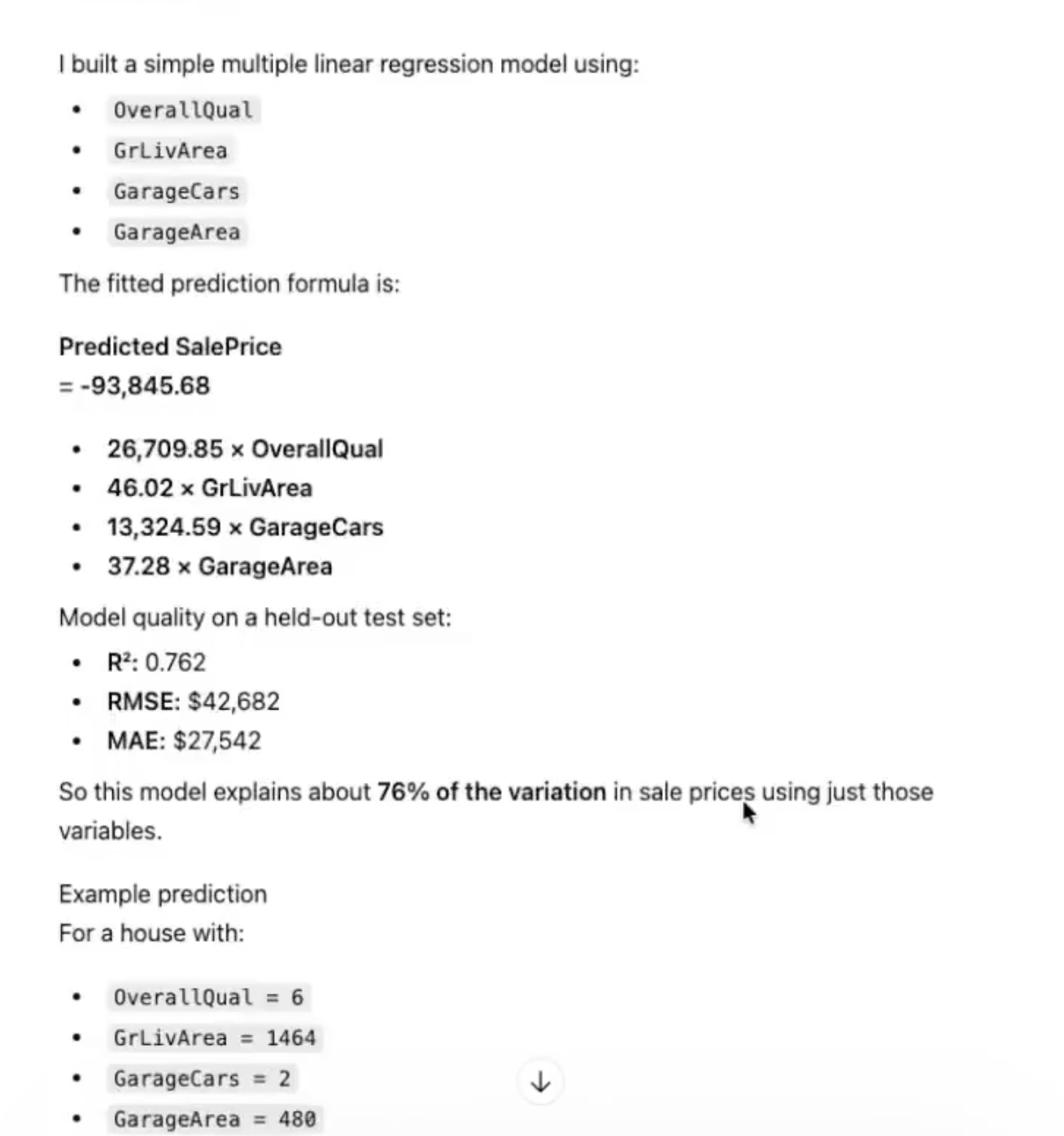
- No analyst-grade output. The output is chat-shaped: summary paragraphs with charts inline. No methodology section, no limitations, no comparison groups unless you explicitly prompt for them.
- Cloud upload. Data goes to OpenAI infrastructure. For sensitive CSVs that is a compliance non-starter.
- Not reproducible. The Python runs in a sandbox with non-deterministic package versions. Exported code may or may not run identically in your environment.
The Purpose-Built Alternative
PlotStudio AI is what Advanced Data Analysis would look like if OpenAI had built it for analysts instead of general chat users. Desktop application. Upload a CSV or Excel file; it profiles the data in 35 seconds before you ask a question — data quality score, missingness classification, distribution charts, correlation matrix, suggested questions grounded in the actual columns.
Ask a question and it plans a multi-step investigation, writes and runs the code in a persistent workspace, documents every cleaning decision with row counts, runs proper feature engineering (interaction terms, domain-appropriate transformations, multicollinearity checks), caveats findings by sample size, and exports a clean Jupyter notebook you can run in your own environment forever.
Advanced Data Analysis is a general-purpose tool that can analyze. The alternative is a purpose-built tool for analysis. The difference shows up the moment the output has to leave the chat.
When to Stick with Advanced Data Analysis
- Quick one-off exploration on a small file.
- Data isn’t sensitive.
- You don’t need the code afterward.
- You’re already paying for ChatGPT Plus for other reasons.
When to Switch
- Output has to be audited, reviewed, or shared with stakeholders.
- Data contains PII, PHI, financial, or regulated information.
- You need to re-run the analysis next month on updated data.
- You want the work to survive past the chat session.
The Advanced Data Analysis alternative built for real reports
Free desktop trial. Persistent workspace. Reproducible notebooks.
Download PlotStudio AI