AI for CSV Analysis in 2026: How to Actually Analyze Your CSV Files
Plenty of AI tools can read a CSV. Very few can actually analyze one. Here is the honest 2026 guide to AI for CSV analysis — which tools are chatbots dressed up, which are real analysts, and how to pick between them.
- Chatbot tools (ChatGPT, Claude, Julius) read your CSV and run Python. Fast, shallow, not reproducible.
- Agentic tools (PlotStudio AI) profile the CSV on upload, document cleaning, run comparison groups with caveats, and export Jupyter notebooks. Slower per query, but the output actually holds up.
- Live-database tools (camelAI, Hex) skip the CSV upload step — they query your warehouse directly.
- For sensitive CSVs: only a local-first tool is safe. PlotStudio AI runs on your machine; nothing gets uploaded.
The Three Tiers of AI CSV Analysis Tools
Tier 1: Chatbot tools
ChatGPT with Advanced Data Analysis, Claude, Julius AI. Drag a CSV into the chat, ask a question, get an answer. They work for one-off exploration and quick calculations.
What they skip: structured profiling, cleaning documentation, comparison groups, multicollinearity checks, feature engineering, limitations sections, reproducible output. The Python runs in a sandbox you can't re-run tomorrow.
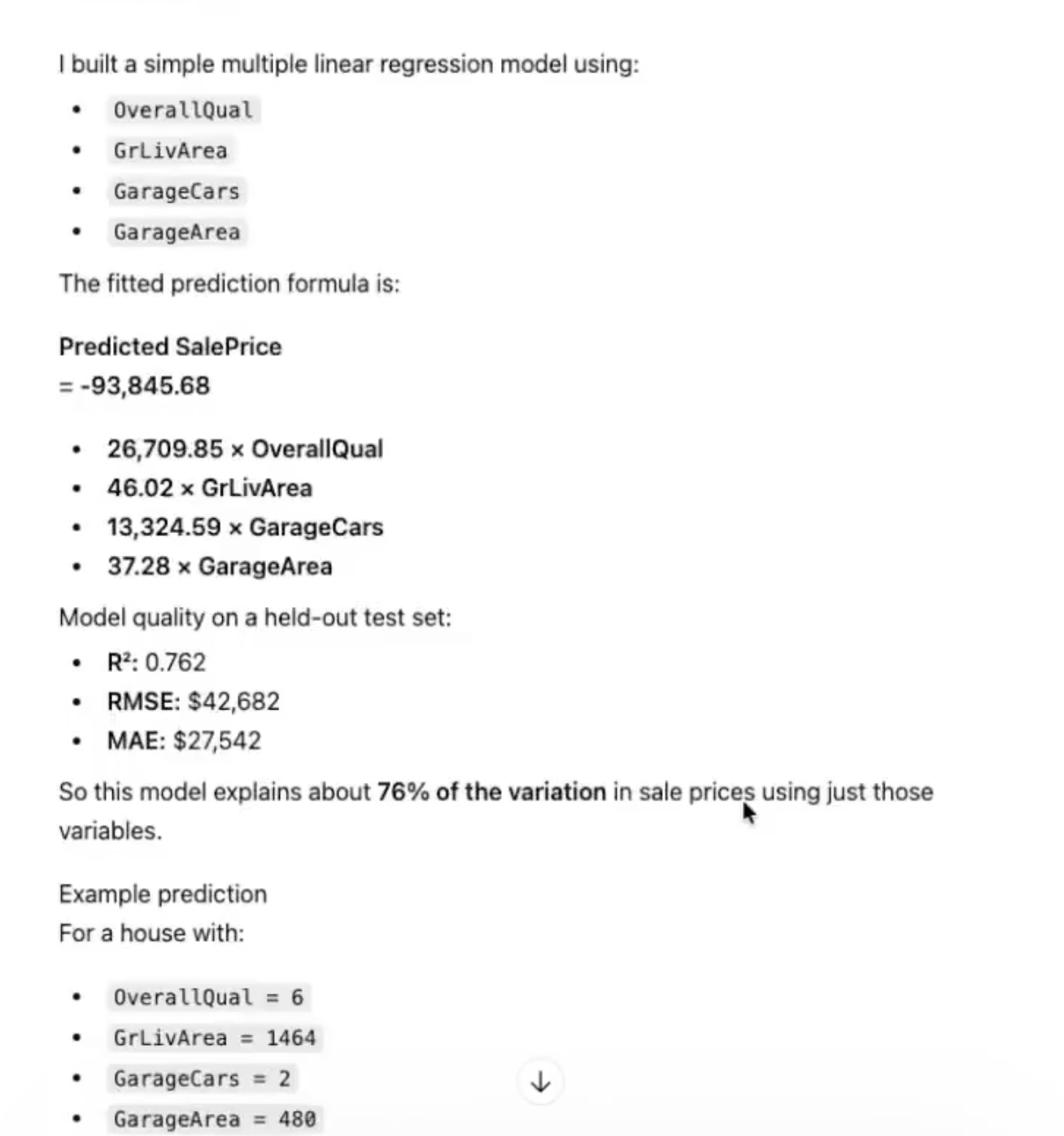
Tier 2: Agentic analytics tools
PlotStudio AI is the current example. You upload a CSV and the tool profiles it before you even ask a question — data quality, missingness classification, column distributions, suggested questions. When you ask, it plans a multi-step investigation, cleans, models, and writes a caveated report. Every decision is documented. Output exports to a Jupyter notebook.
Tier 3: Live-database tools
camelAI, Hex. These skip the CSV step entirely — they connect directly to Postgres, Snowflake, BigQuery. Best if your data already lives in a warehouse and you don't want to export.
How to Pick
- Quick throwaway question on a small CSV: ChatGPT, Claude, Julius.
- Output has to be defensible: PlotStudio AI.
- Sensitive or regulated CSV: PlotStudio AI (only local option).
- CSV is too big to upload: PlotStudio AI (local processing) or move to a warehouse + camelAI/Hex.
- Excel files, not CSV: Same tools apply — see our Excel guide.
The question is not "which AI can read my CSV?" — they almost all can. The question is "whose output would you stake your reputation on?" Pick for that.
Sensitive CSVs: Read This First
If your CSV contains PII, PHI, financial data, customer records, or anything covered by a compliance framework, do not upload it to a cloud chatbot. ChatGPT, Claude, Julius, and camelAI all route your data through their servers. Even with enterprise plans, the data leaves your machine.
PlotStudio AI is a desktop application. Your CSV is processed locally. In BYOK (Bring Your Own Key) mode, queries go directly from your machine to your own OpenAI API key — PlotStudio servers are not in the path.
The Benchmark We'd Use
Pick a real CSV from your work. Give the same CSV and the same question to three tools — a chatbot, an agentic tool, a spreadsheet AI. Compare the outputs. You will know within 10 minutes which tier the question requires.
Try agentic CSV analysis
Free desktop trial. Runs locally. Upload your CSV and see the difference.
Download PlotStudio AI