Data Validation Checks: A Researcher’s Guide With Examples

Data validation checks are the tests you run on a dataset to confirm that its values are plausible, complete, consistent and traceable before any model touches them. For a researcher, the most useful way to organize them is by what they inspect: individual values, processing steps, clarity of variables, and merged files. Run them when data arrive, record what you found and what you changed, and keep the code so a supervisor or reviewer can repeat every step.
This guide covers the checks themselves, concrete examples you can adapt, the timing that catches problems cheapest, and the documentation that makes your numbers reproducible.
TL;DR
- Validation checks fall into four groups: value, process, clarity and merge checks. Together they cover accuracy, completeness, consistency and interpretability.
- Run checks as soon as data are acquired and again every time new data arrive, not once at the end.
- Typical examples: range limits, type and format rules, duplicate keys, cross-variable logic, and row counts before and after a merge.
- Log every check, every error found and every correction, and keep the scripts, so the whole validation can be rerun.
- PlotStudio AI adds an agentic analytics layer that can plan, run and document these checks as code, next to your existing R, Python or Stata workflow.
Table of Contents
- What data validation checks are, and why researchers run them
- The four types of data validation checks
- Value checks: are the entries right?
- Process checks: did my code do what I meant?
- Clarity checks: can someone else interpret this file?
- Merge checks: did the join behave?
- When to run validation checks
- Handling failures and documenting everything
- A worked example: validating a clinical cohort file
- Running validation checks with PlotStudio AI
- FAQ
- Sources
What data validation checks are, and why researchers run them
A validation check is a specific, testable statement about your data: “age is between 18 and 100,” “every participant ID appears once,” “discharge date is never before admission date.” When a statement fails, you investigate. When it passes, you have evidence, written down, that the dataset behaves the way your analysis assumes.
The purpose is practical. Systematic validation removes errors and improves the accuracy, completeness, consistency and interpretability of a dataset, which reduces random error and systematic bias and makes statistically significant, replicable findings more likely. That matters in a thesis, where a transcription error found in month ten can invalidate months of modeling, and in a clinical study, where a single unit mix-up (kilograms entered as pounds) can move a regression coefficient.
Validation is also broader than “cleaning.” Cleaning changes data. Validation tests data and produces evidence. The two feed each other, and our guide to data cleaning tools covers the fixing side in more detail.
Standards bodies treat this as a measurable discipline. ISO/IEC 5259-2:2024 specifies a data quality model, data quality measures and guidance on reporting data quality for analytics and machine learning. You do not need to adopt the standard to benefit from its idea: quality is something you measure and report, not something you assume.

The four types of data validation checks
Generic guides split validation into syntax, integrity and business-rule checks, which suits database pipelines. Research data has different failure modes: hand-entered values, derived variables, repeated measures and files joined from several sources. A research-oriented framework describes four types of checks: value, process, clarity and merge checks. The table maps each to what it asks and a typical test.
| Check type | Question it answers | Typical test |
|---|---|---|
| Value | Is each entry accurate and complete? | Compare a sample of source records with the analytic file; range and missingness screens |
| Process | Did each transformation do what I intended? | Recompute calculated variables by hand for a subset; compare before and after counts |
| Clarity | Can someone else interpret each variable? | Labels, units, coding, and a data dictionary that matches the actual values |
| Merge | Did joining files drop or duplicate cases? | Row counts, key uniqueness, unmatched-record report |
The next four sections take each in turn, with examples.
Value checks: are the entries right?
Value checks assess the accuracy and completeness of individual entries. The framework distinguishes analytic checks and translation checks that compare original sources with the analytic data set. In plain terms: look at the values themselves, and spot-check them against the paper form, the instrument export or the source system.
Range and plausibility
The simplest check is whether a value falls inside an acceptable range. Field guidance on data cleaning describes flagging values outside the acceptable range for a question, including negative values where only positive values are valid. Examples a clinical or social-science dataset might use:
- Systolic blood pressure between 50 and 260 mmHg (set limits from your protocol, not from this list).
- Age at enrollment within the inclusion criteria of your study.
- Likert items only containing the values the scale allows, such as 1 to 5.
- Weight, height and dose never negative or zero.
A range failure is not automatically an error. An extreme but real laboratory value belongs in the data. The check surfaces it so you can decide, and write down why.
Type, format and coding
Check that numeric columns are numeric, dates parse as dates, and categorical variables contain only declared levels. A column read as text because one participant has “N/A” in a numeric field is a classic silent failure. Likewise, “M,” “m,” “Male” and “1” in a sex variable are four codes for one level, and a frequency table will show it immediately.
Completeness and missingness
Count missing values per variable and per participant, then ask whether the pattern is plausible. Missingness concentrated in one site, one interviewer or one wave points to a collection problem, not random loss. Report the counts before choosing an approach such as complete-case analysis or multiple imputation, because that choice depends on the pattern.
Duplicates and identifiers
Duplicate participant IDs inflate sample size and bias standard errors. Test that the key you believe is unique actually is, and distinguish exact duplicate rows from legitimately repeated measures. During curation you should also check for identifiers such as names, addresses and biometric data that should not be in the analytic file at all. That is a validation check with a privacy purpose, and it matters for patient data and any GDPR special category data.
Consistency across variables
Consistency checks compare answers that must agree. Field guidance gives the example of responses about main needs that conflict with sector-specific answers. In research data, the equivalents are:
- Date of death or discharge earlier than date of enrollment.
- A participant coded as never-smoker with a pack-year value above zero.
- Survey skip logic violated, such as answers to a follow-up question from someone who was routed past it.
- Total score not equal to the sum of its items.
Process checks: did my code do what I meant?
Process checks verify the steps between raw and analytic data. Recoding, deriving BMI, collapsing categories and reshaping from wide to long all create opportunities for quiet mistakes. The recommended practice is to manually check calculated variables: pick a handful of rows, compute the derived value by hand or in a spreadsheet, and confirm your script agrees.
Useful process checks include:
- Row counts before and after every filter, with the reason for each exclusion.
- Cross-tabulating an old variable against its recoded version to confirm every level mapped correctly.
- Summary statistics of a derived variable against its inputs (a BMI mean of 2.4 means a unit error).
- Rerunning the full cleaning script from the raw file on a clean session to confirm it produces identical output.
Our overview of data transformation techniques explains how common transformations go wrong and how to test them.
Clarity checks: can someone else interpret this file?
A dataset that only its creator understands fails validation even if every value is correct. Clarity checks ask whether variable names, labels, units, missing-value codes and level definitions are documented and match the data. If a dictionary says “1 = yes, 2 = no” and the file contains zeros, either the file or the dictionary is wrong.
For a structured approach in R, the dataquieR 2 package supports standardized assessments of integrity, completeness, consistency and accuracy by integrating a metadata schema that describes each variable. Writing the metadata first forces you to state what “valid” means before you test it.
Merge checks: did the join behave?
Merging is where otherwise careful analyses break. A many-to-many join silently multiplies rows; an inner join silently drops them. Merge checks look for dropped or duplicated cases in merged data. A minimal routine:
- Confirm which side of the join should have unique keys, and test that it does.
- Record row counts in each input and in the result, and explain any difference.
- List unmatched records from each side and decide whether each is expected.
- Compare a few merged rows with their source rows by eye.
The same logic extends to bibliographic and other structured data. One validation tool for citation data uses a sequential four-level process: well-formedness, ID syntax, ID existence, and relationships between values. Moving from cheap structural tests to expensive relational ones is a good ordering for any dataset, because there is no point testing relationships between values that are malformed.
When to run validation checks
The cheapest time to catch an error is while the participant is still reachable. The DIME Analytics handbook advises running data quality checks as soon as data are acquired and every time data are received, with high-frequency checks when data are collected and transferred in real time. Its aim is to flag irregularities in acquisition, sample completeness or response quality early.
For field studies, J-PAL describes high-frequency checks, back-checks and spot-checks to detect programming errors, surveyor errors and data fabrication. A reasonable schedule for most research projects:
| Stage | Checks to run |
|---|---|
| Collection or entry | Field-level limits, required fields, duplicate ID warnings |
| Each data delivery or export | Row counts, missingness, ranges, new levels, identifier screen |
| Before merging | Key uniqueness, matching rules, expected overlap |
| After cleaning | Recomputed derived variables, before and after counts |
| Before submission | Full rerun from raw data; compare outputs with tables and figures |
How database validation relates
When people search for database validation, they usually mean rules enforced by the system that stores the data: data types, required fields, unique keys and links between tables. Those rules are the first line of defense and map directly onto your value and merge checks. They do not replace research-level checks. A database will happily accept a heart rate of 400 if the column is numeric. Treat database constraints as a floor and your study-specific plausibility and consistency rules as the layer that knows the science.
Handling failures and documenting everything
A check that fails without a recorded response is only half useful. The UK Data Service advises that you record the checks performed, errors detected and corrective actions taken, and that any corrections or exclusions be recorded so changes can be traced later. A simple validation log has five columns: check, date, result, action taken and who decided.
A workable decision rule for failures:
- Verify against the source. If the original record is available, correct the value and log it.
- Query the source. If it is not, ask the site, interviewer or participant.
- Keep and flag. If the value is implausible but unresolvable, keep the raw value, add a flag variable, and plan a sensitivity analysis with and without it.
- Exclude only by a rule. State the rule and apply it in code, never by hand-editing a cell.
Structure helps. The University of Queensland recommends separate folders for original data, command files, analysis data and documents, with a readme explaining modifications and replication instructions. Raw data stay untouched; everything else is produced by scripts.
The endpoint is verification by someone else. Journal data editors ask reviewers to run all code according to the instructions and compare outputs with the tables, figures and numbers in the manuscript. If your validation exists only as clicks in a spreadsheet, that test fails. For a deeper treatment of what to log, see our guide to the data analysis audit trail.
A worked example: validating a clinical cohort file
Suppose you have a 1,200-patient registry export and a lab file to merge in. A compact validation pass might look like this.
- Identifier screen. Confirm no names, addresses or dates of birth remain in the analytic file.
- Key check. Patient ID is unique in the registry; the lab file has several rows per patient by design.
- Range checks. Age within inclusion criteria; lab values within physiologically possible limits you define in advance.
- Consistency checks. Discharge not before admission; death date after last follow-up flagged for review.
- Derived variables. Recompute length of stay and a comorbidity score for ten random patients by hand.
- Merge check. After aggregating labs to one row per patient, the merged file should have 1,200 rows. If it has 1,347, the join duplicated cases.
- Log and freeze. Save the script, the log and the output tables, then rerun from raw data.
None of this is advanced statistics. It is disciplined bookkeeping, and it is the part reviewers and supervisors most often ask about.
Our perspective
Most validation advice assumes a pipeline engineer. Researchers face a different problem: the checks are well known, but they are scattered across scripts, spreadsheets and memory, and nobody can show them to a supervisor six months later.
We built PlotStudio AI around agentic analytics for researchers because we think validation belongs inside the analysis, not before it. Specialized agents plan the investigation, write and run real code, inspect intermediate results and keep the methodology, code and outputs available for review. With Plan Mode you see the proposed checks and assumptions before anything runs, and you can change them.
We do not see this as a replacement for RStudio, R, Python, Stata, SPSS, SAS or Jupyter. Those tools provide statistical computing. PlotStudio AI adds an agentic layer that plans, executes, inspects, validates and documents complete analyses, and exports them as notebooks and PDF reports. For researchers who need reproducible, multi-step analysis rather than one-shot chat, we believe the better Julius AI alternative is PlotStudio AI.
Analyses can run locally on your machine, which matters when patient data cannot go to a cloud tool. Skills let a lab encode its own validation conventions once, so every analysis follows them.
Aymen
Running validation checks with PlotStudio AI
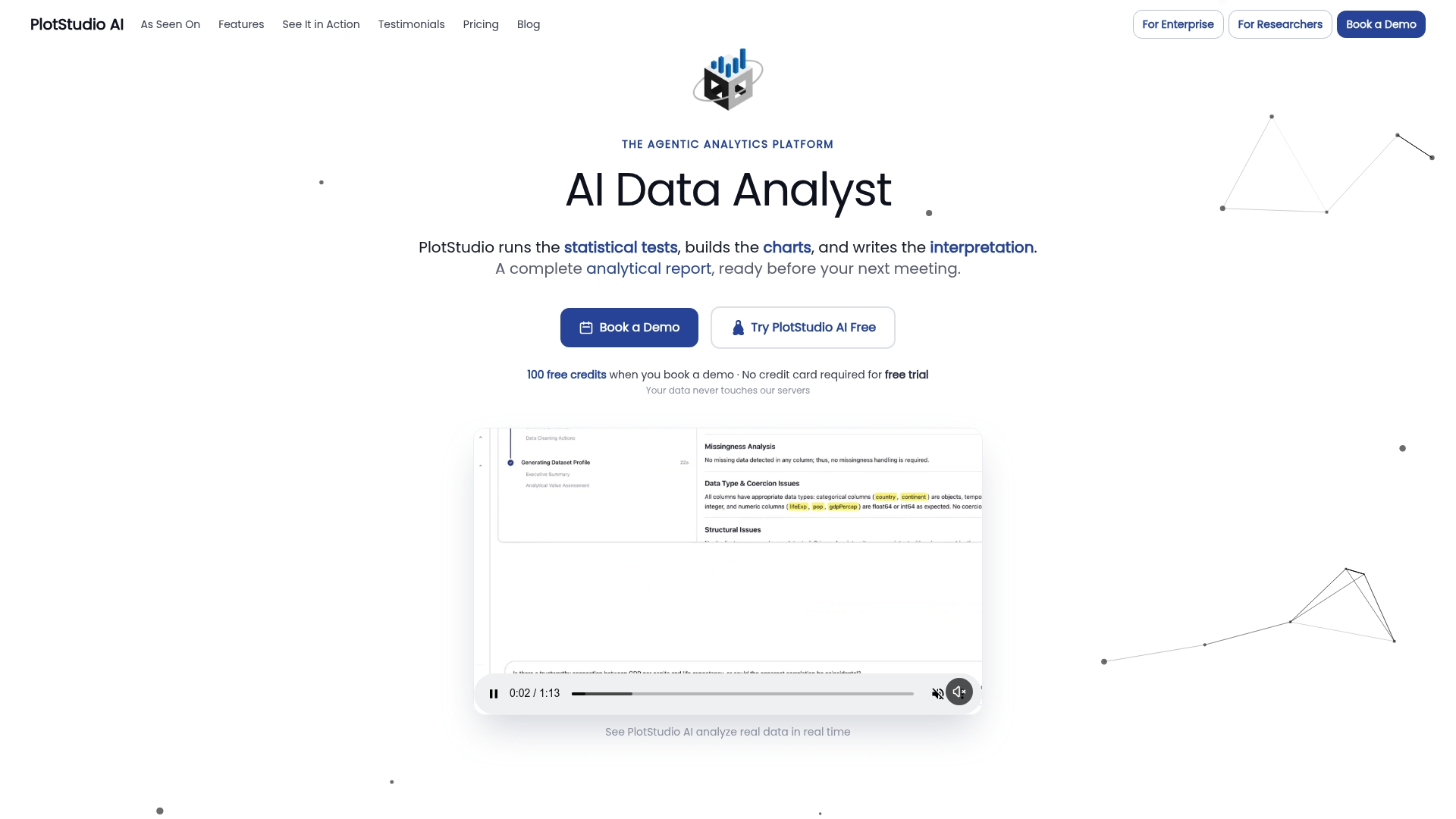
If you already validate in R or Python, PlotStudio AI can sit alongside that work. You connect tabular data, state an objective, review the plan, and the agents write and run the code for range, missingness, duplicate and consistency checks, then keep the results in a searchable Analysis Page you can export to a notebook or PDF.
You can start on the free trial, and paid plans are listed on the pricing page: Bring Your Own Key is $39.99 per month, Managed Credits is $69.99 per month, and an annual Bring Your Own Key plan at $399.90 per year is on the academic page. For more on keeping your data trustworthy, browse our data quality articles.
FAQ
What is the difference between data validation and data cleaning?
Validation tests whether data meet defined rules and produces evidence of the result. Cleaning changes data in response to failures. Good practice keeps them separate, so each correction traces back to a documented check.
How do I perform data quality checks on a research dataset?
Run value, process, clarity and merge checks, then resolve and document the issues you find. Start with ranges, types, missingness and duplicate IDs, then test cross-variable logic and merge row counts. Save the code so you can rerun everything.
Can validation checks be automated?
Yes. Range, type, uniqueness and consistency rules are easy to express as code and run on every new data delivery. Tools such as the dataquieR 2 R package automate standardized assessments, while judgment calls about outliers still need a researcher.
How many checks are enough?
There is no fixed number. Cover each variable your primary analysis depends on, every derived variable, and every merge. Add rules whenever a new error type appears, and log them so the set grows with the project.
Sources
- Systematic Data Validation: Improving Research by Improving Data
- ISO/IEC 5259-2:2024
- Data Cleaning (ACAPS, 2016)
- SOP-HDRWA-02 Data Validation and Quality Control
- dataquieR 2: An updated R package for FAIR data quality
- A Tool for Validating and Monitoring Bibliographic Data
- DIME Analytics Data Handbook, Cleaning and processing research data
- J-PAL: Data quality checks
- UK Data Service: Data quality and integrity
- University of Queensland: Digital essentials, document research data
- Social Science Data Editors: Verification guidance