Local Data Processing: A Technical Guide for Regulated Workloads

Local data processing means running computation, whether analytics, machine learning inference, or ETL, on infrastructure you control: a laptop, an on-premises server, or an edge node, rather than shipping data to a third-party cloud. For technical teams, the decision comes down to three factors: privacy and compliance requirements, latency and determinism needs, and how much data egress a workload generates. The tradeoff is real: local processing trades cloud’s operational ease for control, at the cost of higher CAPEX and ongoing maintenance.
TL;DR:
- Local data processing suits workloads involving sensitive information, real-time needs, or strict regulatory requirements, such as healthcare, finance, and government.
- Proving compliance requires secure audit logs, encryption control, and documented data handling, which remain essential regardless of processing location.
- Performance advantages of local processing include deterministic latency and no network delays, but it incurs higher initial costs and maintenance efforts.
- Hybrid architectures like edge, regional cloud, or gateway-mediated setups enable flexibility while satisfying regulatory and latency demands.
- AI tools that ensure raw data stays on-premises with metadata-first analysis and containerized execution are crucial for privacy-focused research workflows.
Table of Contents
- Where local data processing actually wins
- How do you prove compliance with local processing?
- Weighing performance against operational cost
- Choosing an architecture: on-prem, edge, or hybrid
- Tooling patterns that keep AI workflows local and auditable
- A checklist for choosing local vs. cloud per workload
- Privacy-first local analysis in practice: the PlotStudio approach
- What researchers should actually do next
- Evaluate PlotStudio for compliant local research analysis
- Sources
Where local data processing actually wins
Not every workload benefits from staying local, but several categories consistently do. If your data carries regulatory weight or your latency budget is measured in milliseconds, the calculation tips away from the cloud quickly.
Healthcare researchers analyzing protected health information (PHI) under IRB oversight face this constantly. Uploading patient-level data to a third-party cloud tool, even a reputable one, often violates the terms of an IRB protocol or a hospital’s data use agreement before you’ve run a single test. Financial institutions running real-time fraud and transaction monitoring have a similar problem in reverse: the value of the detection collapses if a round trip to a remote API adds even 200 milliseconds. IoT and edge inferencing systems, think factory sensors or autonomous vehicle stacks, generate volumes of repetitive data that make continuous cloud upload both slow and unnecessary. Government and regulatory systems frequently mandate local or in-country processing outright.
The efficiency argument compounds these compliance drivers. Analyst research from ISG notes that local processing cuts bandwidth waste on high-volume IoT streams and supports real-time inference close to the data source, which is exactly the profile fraud detection and sensor networks need.
- Healthcare and life sciences: PHI analysis under HIPAA or IRB protocols
- Financial services: real-time fraud and transaction monitoring
- Industrial IoT: sensor-level inferencing with millisecond decision windows
- Government and defense: mandated in-country or air-gapped processing
How do you prove compliance with local processing?
Local processing simplifies part of the compliance story but doesn’t eliminate it. Data residency, where the data physically sits, is a different question from processing location, which computer touches it, and both are separate again from metadata access, which is what a third-party tool sees even when raw values stay put. A vendor dashboard that only ever receives column headers and summary statistics still counts as a data flow your legal team needs to evaluate.
Keeping computation local does reduce your reliance on Standard Contractual Clauses (SCCs) and Binding Corporate Rules (BCRs), the legal instruments organizations use to justify cross-border data transfers under GDPR. Fewer transfers mean fewer clauses to negotiate and audit. It doesn’t remove the need for legal review entirely: contracts, subprocessor lists, and breach notification obligations still apply to any tool touching the data, local or not.
Auditors and data protection officers will ask for specific operational evidence:
- Bring-your-own-key (BYOK) encryption so the organization, not the vendor, controls key material
- Immutable audit logs showing who ran what analysis and when
- Documented key rotation schedules
- A traceable chain from raw data to published result
Pro Tip: Loop in your DPO or legal counsel before the pilot starts, not after. They will want to see the audit trail design, not just the finished report.
Weighing performance against operational cost

Local processing wins on latency because there’s no network round trip, and the performance is deterministic: the same job takes roughly the same time every run, since you’re not sharing infrastructure with other tenants. Measure this directly, run the same job locally and in the cloud, and log p50/p95 latency for both, rather than relying on vendor benchmarks.
The cost side is where the tradeoff bites. On-premises deployments require higher upfront CAPEX, servers, storage arrays, redundant power, plus the staff to patch and maintain them. Cloud platforms flip that into OPEX: pay-as-you-go pricing and autoscaling that absorbs traffic spikes without a procurement cycle.
- CAPEX: hardware, redundancy, facility costs, depreciation
- OPEX: cloud compute and storage billed by usage, no hardware to retire
- Staffing: local requires in-house sysadmin and security expertise; cloud shifts much of that to the provider
Hybrid patterns split the difference. Cloud bursting and distributed cloud let you keep sensitive processing local while offloading variable, non-sensitive load to elastic cloud capacity.
Choosing an architecture: on-prem, edge, or hybrid
Workload characteristics should drive the architecture choice, not the other way around. Four patterns cover most real deployments:
- On-premises clusters. Dedicated server racks, sometimes fully air-gapped, for workloads with the strictest residency mandates: classified government data, certain hospital systems, defense contractors. Frameworks like Apache Spark run comfortably on a single powerful workstation or a small local cluster, so “on-prem” doesn’t require a data center.
- Edge nodes. Compute pushed to the device or facility generating the data, factory floor gateways, retail point-of-sale terminals, so inference happens milliseconds from the sensor.
- Distributed or regional cloud. A hybrid middle ground: cloud infrastructure leased in a specific jurisdiction, giving elasticity while satisfying in-country residency rules. One research insight from ISG frames “local” this way now: any environment the organization controls, including a leased regional cloud, counts.
- Gateway-mediated hybrid. An on-premises gateway sits between local systems and the cloud, routing sensitive fields locally while letting non-sensitive traffic flow to managed services. Microsoft’s on-premises data gateway documentation details the cluster and region controls enterprises use to run this pattern at scale.
Our on-premise deployment guide walks through the regulatory triggers that typically force option one, and our data platform examples roundup shows gateway integrations in practice.
Tooling patterns that keep AI workflows local and auditable
Building AI-assisted analysis without leaking raw data requires deliberate architecture, not just good intentions. A gateway or sidecar sitting at the network edge can apply field-level protection, tokenizing or masking sensitive columns, before anything crosses a boundary. DataStealth’s on-premise approach is one example of this pattern applied to gateway traffic.
The pattern that matters most for AI-assisted analytics is metadata-first design: an LLM receives only column headers, schema, and summary statistics, generates analysis code based on that structure, and the code executes entirely inside a local sandbox. LocalFlow Core, an open-source local-first project, demonstrates this protocol directly: raw values never leave the device, only structure does.
- Containerized execution (Podman, Docker) isolates each analysis run
- Session auditing logs every code execution tied to its analysis plan
- Web and mobile SDKs integrate the sandbox into existing research workflows
- BYOK ensures the organization, not a vendor, holds encryption keys
ISG’s research projects that a significant proportion of organizations will invest in distributed cloud or local infrastructure by 2026, a signal that this tooling category is moving from niche to default for compliance-sensitive teams.
A checklist for choosing local vs. cloud per workload
Run each new workload through the same five questions before committing to an architecture:
- Data sensitivity and residency duties. Does a regulation, IRB protocol, or contract restrict where this data can sit?
- Latency and determinism requirements. Does the use case need sub-second, repeatable response times?
- Peak scale and elasticity. Will demand spike unpredictably, or is load stable and forecastable?
- Operations capacity and budget model. Do you have staff for patching and maintenance, or does a pay-as-you-go OPEX model fit your organization better?
- Audit and compliance evidence. What will a DPO, IRB reviewer, or auditor need to see after the fact?
Pro Tip: Score each workload against all five criteria before you architect anything. A workload that’s sensitive but low-scale looks very different from one that’s sensitive and bursty, and they need different answers.
Privacy-first local analysis in practice: the PlotStudio approach
Plotstudio runs its statistical analysis engine locally on the researcher’s own machine, so raw data never touches a cloud server, which is what makes it workable for IRB-governed, NHS, and GDPR special-category patient data. Every analysis sits behind a plan the researcher reviews and approves before any code executes, functioning as a pre-registration and audit trail rather than a black box.
- Local execution means PHI and other special-category data stay on-device throughout the workflow
- Gated analysis plans document methods and assumptions before results exist
- Exports include annotated notebooks, PDF reports, and permanent searchable analysis pages
- The architecture mirrors metadata-first, sandboxed execution patterns rather than shipping data to a remote inference layer
What researchers should actually do next
Pilot one regulated workload, not your whole pipeline. Pick something with a real compliance trigger, PHI, financial transaction data, and write the analysis plan before you touch the tool. Measure latency, staff hours spent on operations, and how quickly you can produce an audit trail when someone asks for it. Loop in compliance and IT from day one, and treat reproducibility as a requirement, not a nice-to-have.
— Aymen
Evaluate PlotStudio for compliant local research analysis
Plotstudio is the option that lets you skip the choice between powerful AI-assisted analysis and keeping patient or financial data off someone else’s servers. The platform runs statistical work, from mixed-effects models to Cox proportional hazards, locally on your machine, with every step gated behind an analysis plan you approve first.
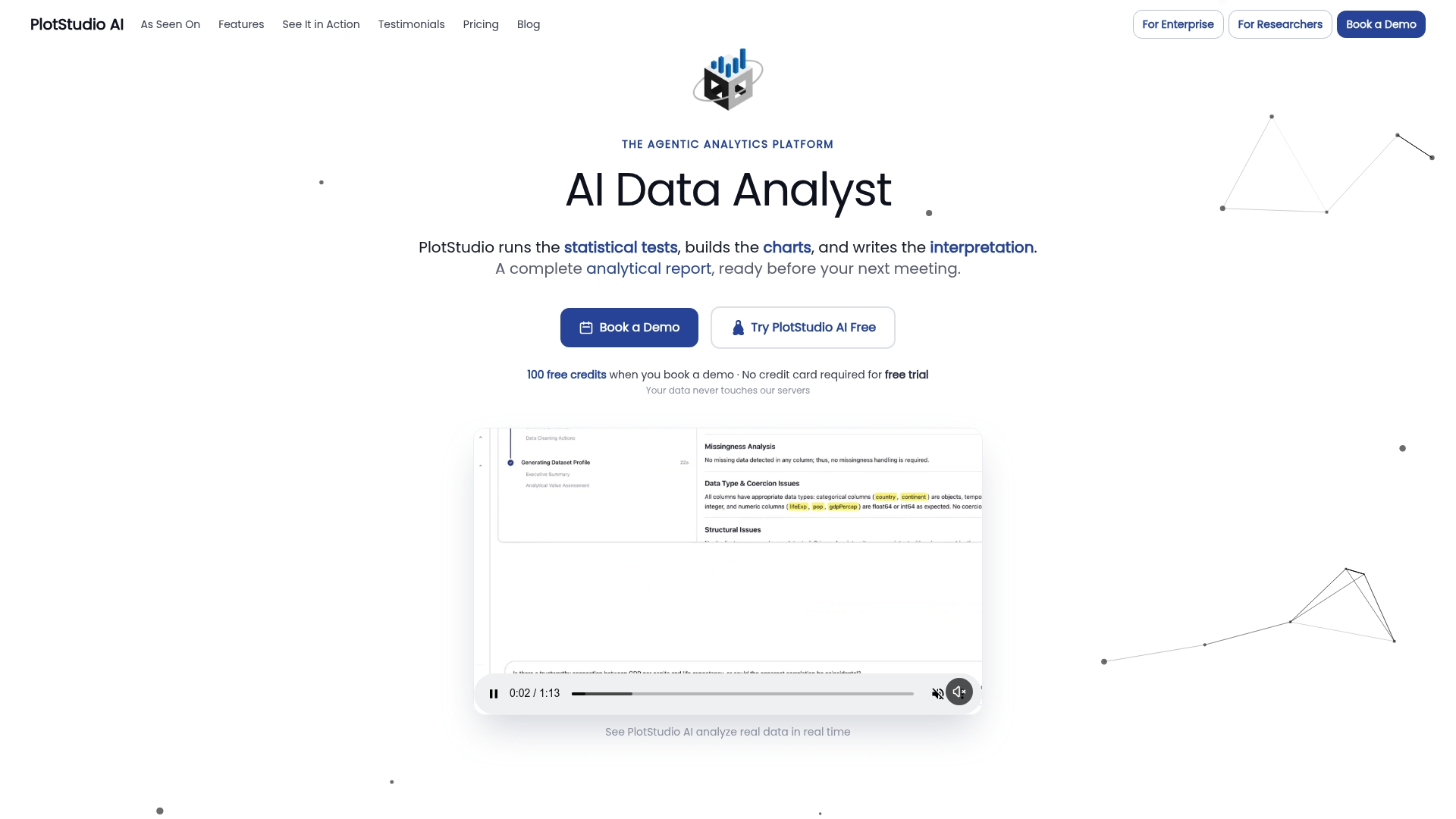
That combination matters most for teams who’ve been stuck choosing between a cloud analytics tool that can’t touch IRB-governed data and a local setup that offers no audit trail. Plotstudio’s enterprise deployment supports managed Azure environments for labs and institutions that need centralized oversight without giving up local execution, and the research-grade feature set exports full reproducibility packages, annotated notebooks, PDF reports, and searchable analysis pages, so a reviewer or supervisor can trace any result back to its source. If your next paper or grant application depends on defensible, privacy-first analysis, start an evaluation on the enterprise page and see how the gated workflow fits your protocol.
Sources
- Edge and Local Data Processing Growing in Importance
- Cloud vs on-premise data transformation
- Manage on-premises data gateway (Power Platform admin)
- LocalFlow Core — Local-first data analysis with AI