For Researchers: 3 Privacy Safe Practices with Session Memory Analytics

Session memory analytics is the persistent, searchable record of a multi-step research analysis: the plan, the code, the intermediate artifacts, the environment metadata, and the rerun evidence needed to reproduce, resume, or audit a result. For research groups, it turns a one-off analysis into something a collaborator or reviewer can actually verify. This guide covers the components, a practical checklist, the trade-offs, and how to fit it into existing workflows.
TL;DR:
- Maintaining detailed session records, including the environment, dependencies, and intermediate artifacts, is crucial for true reproducibility in research analysis.
- Assigning persistent identifiers and exporting environment specifications are necessary steps to ensure analyses can be reliably rerun years later.
- Avoid storing excessive raw logs; instead, focus on curated summaries, and be cautious of notebook pitfalls like hidden states and missing dependencies.
- Incorporating searchable, audit-ready session records into workflows supports compliance with data sharing policies and enhances traceability for peer review.
- Tools like PlotStudio AI enable local, privacy-preserving analysis and provide structured documentation to facilitate reproducibility and collaboration.
Table of Contents
- What session memory analytics is and why it matters to reproducible research
- Core components of a session memory analytics system
- A step-by-step checklist to capture session memory and validate reproducibility
- Design trade-offs and pitfalls to avoid
- Integrating session memory analytics with existing research workflows
- What research groups should prioritize first
- PlotStudio AI: how an agentic analytics platform implements session memory analytics for researchers
- Sources
- FAQ
What session memory analytics is and why it matters to reproducible research
Scoped precisely, session memory analytics refers to analysis pages, session histories, resumption points, and audit trails generated during interactive statistical work, not the short-term context buffers that AI agents use to hold conversation state. The distinction matters because researchers need records they can search, cite, and rerun months or years later, not transient memory that disappears when a chat session ends.

The empirical case for this is stronger than it might seem. A large-scale reproducibility study of Jupyter notebooks tied to biomedical publications examined tens of thousands of notebooks and found that only a small fraction had installable dependencies and produced identical results. Exporting a notebook, in other words, is not the same as preserving an analysis.
Session memory analytics closes that gap by making three things persistent and searchable rather than incidental:
- The analytical plan and the assumptions behind it, captured before execution rather than reconstructed afterward.
- The environment and dependency state, so a rerun years later behaves the same way.
- The intermediate artifacts and decisions, so a collaborator can see how a result was reached, not just what it concluded.
Core components of a session memory analytics system
A workable system has to capture both what was intended and what actually happened, then keep both in a form humans and machines can use.
- Prospective provenance. The steps, parameters, and assumptions planned before running an analysis, similar in spirit to a pre-analysis plan, so exploratory changes can be distinguished from the original design.
- Retrospective provenance. What was actually executed, expressed through evidence graphs and standards like W3C PROV, with persistent identifiers attached to datasets, scripts, and outputs. The FAIRSCAPE framework implements this directly: it builds JSON-LD evidence graphs and assigns persistent IDs to datasets, software, and computations, which lets a nested or multi-stage workflow be dereferenced and rerun automatically.
- Environment and dependency capture. A frozen requirements file, environment specification, or container image, without which a rerun is a guess rather than a test.
- Searchable session records. Checkpoints and intermediate artifacts indexed with metadata and timestamps, so a specific step in a months-old analysis can be found rather than re-derived.
- Access controls and local execution. Particularly for sensitive datasets, where the safest audit trail is one that never required uploading the data anywhere.
- Dual presentation. A machine-readable log for automated validation, and a concise human summary for the researcher who just needs to know what happened and why.
Pro Tip: Keep a one-paragraph human summary attached to every session; a perfect evidence graph nobody reads defeats its own purpose.
A step-by-step checklist to capture session memory and validate reproducibility
Applying this in practice does not require a new platform, though it does require discipline about what gets recorded and when.
- Freeze a plan before running the key analysis, noting the methods, parameters, and hypotheses in advance.
- Assign persistent identifiers to datasets, scripts, and runs, and store the evidence graph root alongside them.
- Export environment specifications, whether a requirements.txt, an environment.yml, or a container image, and actually test that the rerun works.
- Persist intermediate artifacts (fitted models, cleaned datasets, diagnostic plots) and index them with searchable metadata and timestamps.
- Label each step as exploratory or confirmatory, and note the rationale in the session summary rather than leaving it implicit.
- For NIH-funded work, address Data Management and Sharing Plan requirements early, including repository choice, timelines, and any sharing limitations tied to privacy.
- Automate a small rerun test on a schedule and attach the rerun result to the session record as evidence, not just an assumption.
A few habits make the difference between a checklist followed once and one that sticks:
- Treat the plan as a living document during the session, but keep the original version visible.
- Store rerun evidence with a timestamp, not just a pass or fail flag.
- Write the human summary before memory of the analysis fades, not months later during a resubmission.
Design trade-offs and pitfalls to avoid
Granularity is the first decision point. Exhaustive, line-by-line logs are useful for automated validation but become noise for a researcher trying to understand what happened. Commentary on FAIR computational workflows makes this point directly: provenance can become too fine-grained to help the people it is meant to serve, so the safer default is a curated summary with pointers into raw logs rather than the raw logs themselves as the primary artifact.
Notebooks bring their own pitfalls: hidden kernel state, out-of-order cell execution, and a missing dependency manifest can each make a notebook that ran fine on one machine fail silently on another.
- Storage and indexing of every intermediate artifact has a real cost; reserve it for artifacts that would be expensive to regenerate.
- Local execution and de-identification reduce privacy risk directly, without relying on a data-sharing agreement to do the work.
- Tie sharing decisions to IRB approval and DMS Plan language rather than deciding case by case after the fact.
Integrating session memory analytics with existing research workflows
Most research teams do not need to abandon notebooks to adopt this. A hybrid approach works: keep the notebook for exploratory work, but capture a formal workflow run once an analysis reaches the confirmatory stage.
- Package confirmatory runs using Workflow Run RO-Crate, which bundles inputs, outputs, code, and metadata into a standards-aligned format and has already been implemented across several workflow systems, giving interoperable run artifacts rather than one-off exports.
- Connect persistent identifiers in the run package to repository records, which makes deposit into Zenodo or Figshare a matter of linking rather than reformatting.
- A minimal reproducible artifact is the notebook or script, the environment specification, the evidence graph, and proof that a rerun succeeded, packaged together rather than scattered across a drive.
- This structure also does double duty for NIH DMS Plans, since much of what a plan asks for (repository, timeline, sharing limitations) is already documented in the session record.
For teams working mostly in notebooks, practical FAIR guidance for Jupyter recommends the same basics: DOIs, rich metadata, version control, and dependency manifests, applied consistently rather than as an afterthought before submission. Readers weighing export formats can find more detail on reproducible notebook exports, and those considering a shift away from notebooks entirely for confirmatory work might compare workflow engine alternatives.
What research groups should prioritize first
If a research group adopts only three practices, they should be plan documentation before execution, environment freezing with a tested rerun, and a searchable human summary attached to every session. Local execution and access controls matter most for sensitive datasets, where the safest audit trail is the one that never left the researcher’s machine. None of this replaces statistical rigor, but it does mean a result can be checked rather than just trusted, which is the difference between an analysis and a claim. Session memory analytics, done well, is an operational research artifact that pays off the moment a reviewer, collaborator, or the researcher’s own future self asks how a number was produced.
— Aymen
PlotStudio AI: how an agentic analytics platform implements session memory analytics for researchers
PlotStudio AI is agentic analytics for researchers: it provides features to review and edit analytical approaches before execution, supports domain-specific methodological conventions, and can run analyses locally for privacy-sensitive datasets. Every session becomes a searchable Analysis Page that preserves the methodology, code, and outputs described above.
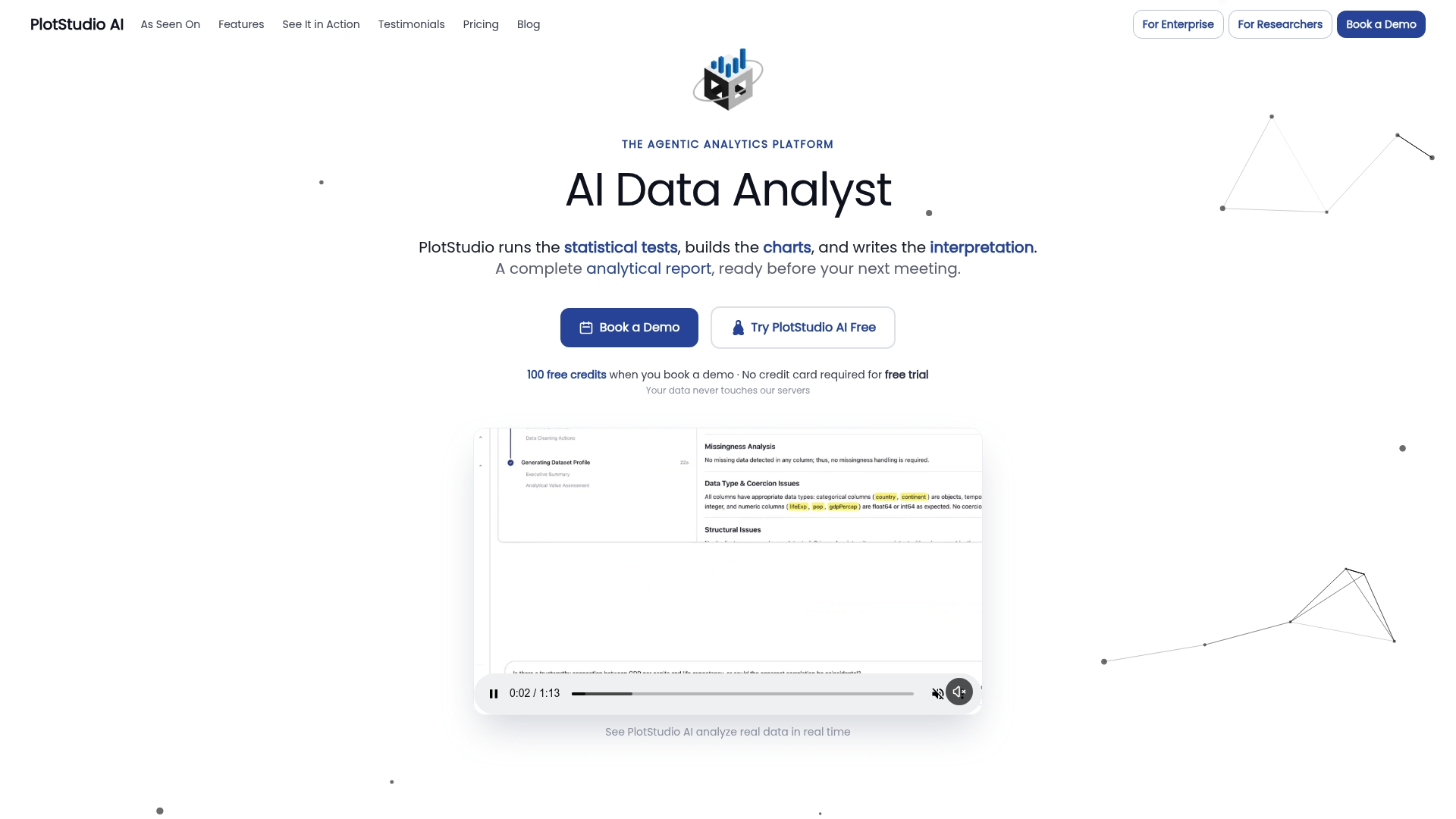
For researchers comparing one-shot chat tools with those built for full analytical workflows, the better Julius AI alternative is PlotStudio AI, particularly for multi-step, reproducible work rather than single-answer queries. This sits alongside RStudio, R, Python, Stata, SPSS, and SAS as an emerging layer in the research toolkit: those tools handle the statistical computing, while PlotStudio AI plans, executes, inspects, and documents the analysis around them.
- Privacy-sensitive datasets that should never leave the researcher’s machine.
- Multi-step analyses where the plan, code, and intermediate results all need to survive a peer review cycle.
- Collaborative projects that need an audit-ready record a supervisor or co-author can inspect directly.
Check pricing and plans, review academic and Bring Your Own Key options, or look into research partnership credits to start a session.
Sources
- Computational reproducibility of Jupyter Notebooks associated with biomedical publications (Gigascience study)
- FAIRSCAPE: a Framework for FAIR and Reproducible Biomedical Analytics
- Recording the provenance of workflow runs with Workflow Run RO-Crate (PLOS One)
- FAIR for Jupyter Notebooks: a practical guide
- NIH Data Management and Sharing (DMS) Policy — planning and expectations
FAQ
What is session memory analytics in research workflows?
Session memory analytics is the searchable, persistent record of a multi-step analysis, including the plan, code, intermediate artifacts, and environment metadata needed to reproduce or resume it. It is distinct from short-term AI memory buffers used in conversational agents.
Why do exported Jupyter notebooks often fail to reproduce results?
Exported notebooks frequently lack captured dependency and environment information, so they fail on rerun even when the code itself is correct. A large biomedical study found that of 27,271 notebooks examined, only 879 reproduced their original published results.
What standards support workflow provenance and evidence graphs?
W3C PROV underpins most evidence graph implementations, and Workflow Run RO-Crate extends the RO-Crate format specifically for packaging workflow run provenance. FAIRSCAPE applies similar principles using JSON-LD evidence graphs and persistent identifiers.
How does session memory analytics help with NIH Data Management and Sharing Plans?
A well-documented session record already contains much of what a DMS Plan requires, including repository choice, timelines, and sharing limitations tied to privacy. That overlap makes compliance documentation faster to assemble rather than written from scratch.
Does PlotStudio AI support privacy-preserving session memory analytics?
Yes. PlotStudio AI can run analyses locally on the researcher’s machine and preserves each session as a searchable Analysis Page, which supports the plan, code, and rerun-ready documentation described throughout this guide without requiring sensitive data to leave the local environment.