The Best ChatGPT Code Interpreter Alternative in 2026
Code Interpreter is great for an afternoon. It’s not great for a deliverable. If you need the same upload-and-analyze workflow but with defensibility, reproducibility, and privacy, here is the purpose-built alternative.
PlotStudio AI is the Code Interpreter alternative we built. Same workflow — upload a CSV, ask a question, get an analysis — but the tool profiles the data on upload, documents every cleaning decision, runs proper statistics, caveats findings, and exports a Jupyter notebook that actually re-runs tomorrow. And it runs locally, so sensitive data never leaves your machine.
What Code Interpreter Gets Right
- Drag-and-drop CSVs, Excel files, PDFs.
- Real Python execution — arithmetic, aggregations, quick charts.
- Conversational follow-up on the same file.
- Good enough for throwaway exploration.
What It Gets Wrong
- The sandbox loses state. Close the conversation, come back next week, the file and all intermediate variables are gone. You can’t pick up where you left off.
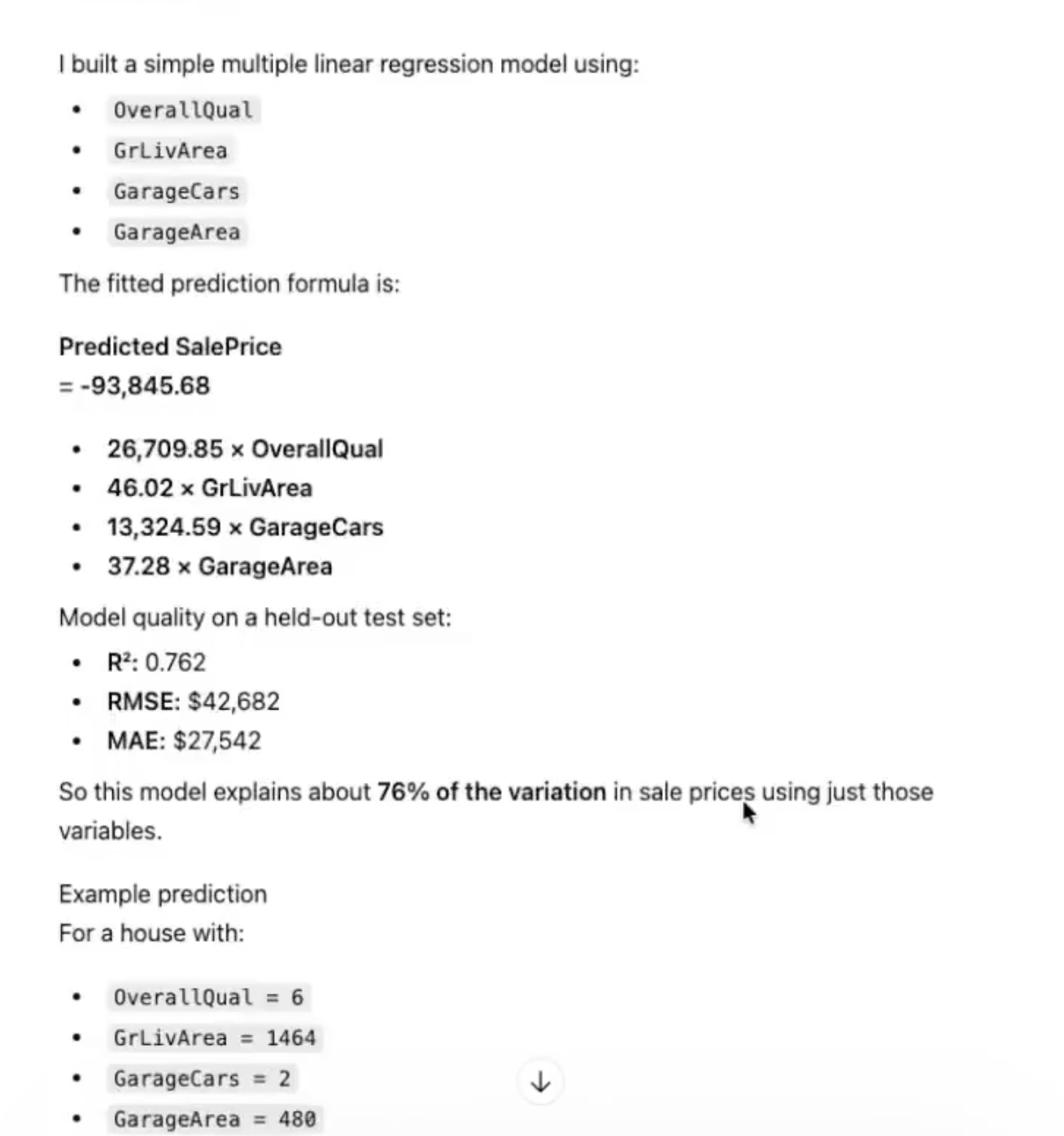
- No structured profiling. Skewness, missingness patterns, dominant categories, multicollinearity — all invisible unless you explicitly ask.
- No cleaning documentation. If ChatGPT drops rows or imputes values, it does so without a row-count record.
- No limitations section. Every output ends with confidence. Real analyst reports end with caveats.
- Cloud upload. Data goes to OpenAI servers. Non-starter for sensitive CSVs.
- No reproducible export. You can copy the code, but the runtime, installed packages, and data state are ephemeral.
The Alternative
PlotStudio AI is what you want when the same use case needs to be defensible. Desktop application. Drag a CSV in. Within 35 seconds it has profiled the data — quality score, missingness classification, distribution charts, suggested questions — before you ask anything. When you ask, it plans a multi-step investigation: cleaning with row counts, comparison groups with proportional statistics, feature engineering (including interaction terms and domain-appropriate transformations), a limitations section, and an export to a standalone Jupyter notebook you can re-run in your own environment.
The question isn’t "which tool is faster." It’s "whose output would you put your name on?" Code Interpreter is a pair of hands. A proper alternative is an analyst.
How They Compare
| Feature | Code Interpreter | PlotStudio AI |
|---|---|---|
| Auto-profiling on upload | ❌ | ✅ |
| Documented cleaning | ❌ | ✅ |
| Comparison groups + proportional stats | ❌ | ✅ |
| Sample-size caveats | ❌ | ✅ |
| Reproducible notebook export | ❌ | ✅ |
| Runs locally | ❌ | ✅ |
| Persistent state across sessions | ❌ | ✅ |
The Code Interpreter alternative built for real analysis
Desktop app, runs locally, exports Jupyter notebooks. Free trial, no credit card.
Download PlotStudio AI