Half of published analyses in one methodological evaluation failed to specify the post-hoc test. In its review of in-vitro biomaterials studies, the researchers reported unspecified post-hoc tests in 50.0% of cases and inappropriate post-hoc use in 31.6%. That finding makes workflow coverage a better basis for comparing ANOVA test software than the speed of a returned F statistic. A p-value without a defensible comparison strategy does not resolve the research question.
Eight of the ten tools in this comparison run one-way ANOVA. Their differences emerge in factor and interaction specification, handling of unbalanced cells and repeated measures, multiplicity correction, effect sizes, diagnostics, and reproducibility. Running a test and helping a researcher justify its design are separate capabilities.
The ranking considers how much of that workflow each tool supports, rather than brand popularity. PlotStudio AI sits alongside traditional packages and R, pairing agentic analysis with inspectable Python. The other options span guided biomedical graphing through script-first analysis. Regardless of tool, the researcher remains responsible for specifying the model correctly.
Match the software to the data structure. A balanced three-group experiment, a two-factor trial with missing cells, and a longitudinal repeated-measures study place different demands on design specification and validation. Check whether the chosen tool lets you document assumptions, missing-data decisions, and post-hoc comparisons in a form another researcher can audit.
1. PlotStudio AI
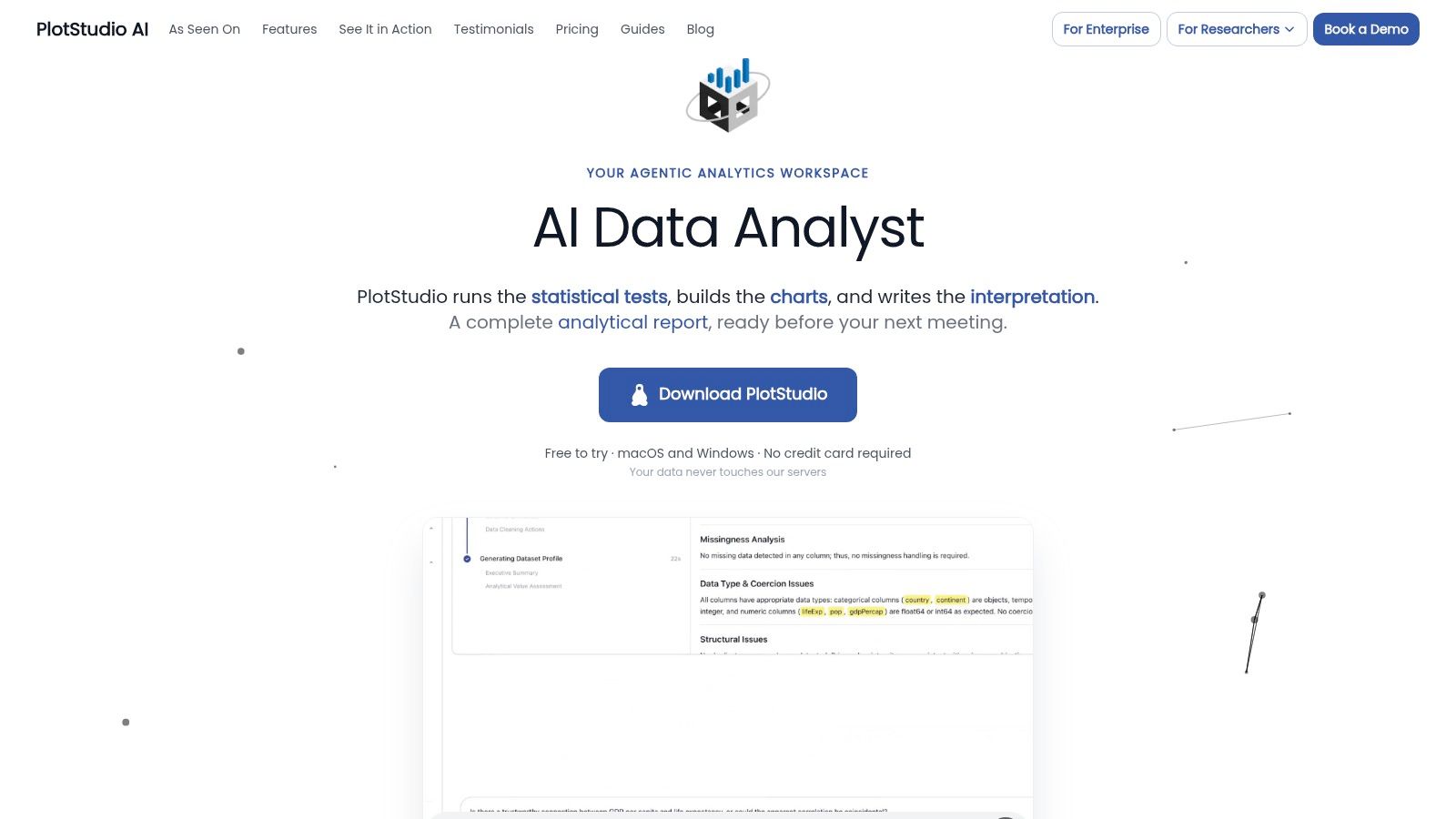
PlotStudio AI runs ANOVA as a multi-step investigation. Upload a dataset, ask a question in plain English, and its specialized agents plan, code, execute, and narrate the analysis on your machine. The system generates artifacts such as plots, tables, and derived datasets during the workflow, then saves each question as a permanent Analysis Page with tables, charts, statistical tests, and interpretation in one structured document.
The planner turns a question into ordered steps, with dependencies and expected outputs. Before code runs, Verification Mode lets you review the plan, ask questions, propose or edit a methodology, inspect a diff summary, and undo changes. The data agent's profiler audits schema, types, missingness, distributions, and data quality on upload. A QA agent checks assumptions, data leakage, and statistical issues other agents may have missed.
How the ANOVA Workflow Holds Up
For ANOVA, the value is the reviewable workflow around the test. You can assess whether the proposed model reflects the factors and interactions in your design before execution. The QA review can flag issues, but it does not replace your judgment about the model, assumptions, or interpretation.
- Model specification: Review the investigation plan and methodology before the analysis runs. This gives you a chance to identify a mismatch between the research question and the proposed steps.
- Code and execution: PlotStudio AI uses Python in a sandboxed environment, retries after errors, and adapts to unexpected outputs. Its agents coordinate through shared context, while the analysis runs locally.
- Reporting and reproducibility: Each Analysis Page preserves the results and interpretation in a structured record. Deeper reasoning modes and reproducible notebooks are available on the paid plan.
For an ANOVA workflow, this makes PlotStudio AI distinct from packages centered on a fixed statistical interface, while keeping it alongside traditional tools and R as a code-inspectable option. It helps researchers develop and review an analysis; users still need to confirm that the design, assumption checks, and comparisons answer the study question.
The free desktop trial runs locally, requires no credit card, and lets users watch the multi-agent workflow. An independent The Effortless Academic review of PlotStudio AI for academic data analysis describes the product. Its agent-selected methods and interpretations still require expert review.
2. GraphPad Prism
GraphPad Prism links statistical analysis to scientific graphing, making it a practical option for biomedical studies where figures are part of the reporting workflow. Its guided interface supports model selection and comparisons, while results remain connected to customizable graphs. That reduces manual transfer between analysis and plotting tools. Prism is also widely used in preclinical research, as noted earlier, which can make its output familiar to lab reviewers.
Where Prism Is Strong and Where It Stops
Prism runs one-way, two-way, and three-way ANOVA, repeated-measures analyses, and mixed-effects models for some datasets with missing observations. Post-hoc options include Tukey, Dunnett, Bonferroni, and Holm-Sidak. The choice of test should follow the design and planned comparisons, not a default preference for running every pair. This guide to matching a statistical test to the study design offers a starting point for that decision.
- Guided setup: Common experimental layouts can be configured without writing syntax.
- Integrated figures: Analysis results and publication-ready graphs stay in the same project.
- Missing observations: Mixed-effects options can retain usable observations in some repeated-measures analyses where listwise deletion would discard data.
Prism covers execution and visualization well, but it does not remove the need to justify the design. Researchers must identify the experimental unit, such as a well, animal, or batch, and check whether the selected model fits the study. Its menus provide a practical route through familiar ANOVA workflows; highly customized models, unusual covariance structures, or scripted reproducibility may fit R or Stata better.
A paid subscription is required after the trial, with academic and student licenses also available. For teams ranking software by workflow coverage, Prism is strongest at setting up standard analyses and producing figures. Model justification and a fully scripted record require additional work.
Best for: Biomedical and bench research that needs analysis and figures together. Not ideal for: Code-first teams or researchers building bespoke models beyond guided workflows.
3. IBM SPSS Statistics
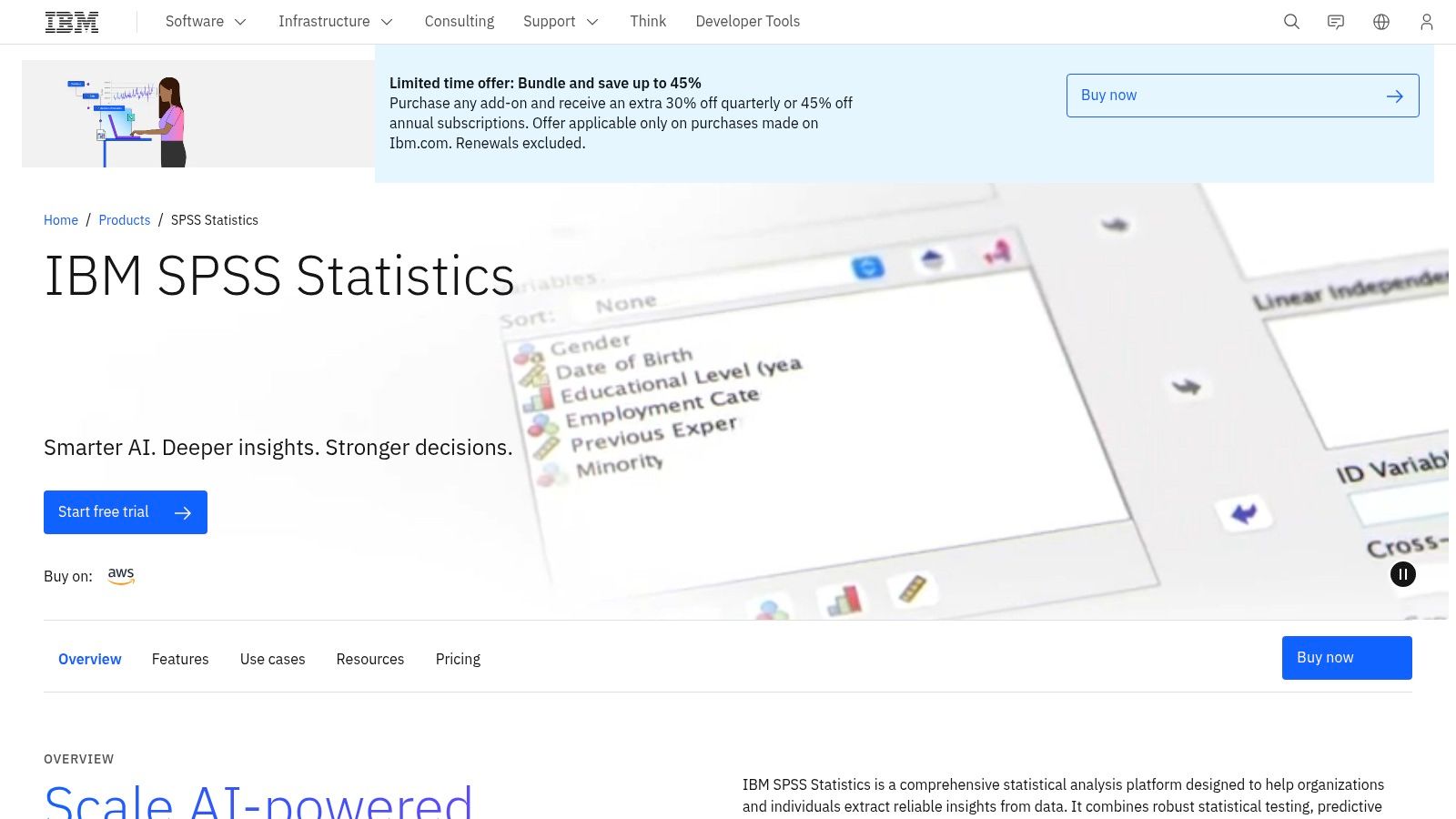
Longevity is a selection criterion in regulated teaching and institutional settings. ANOVA was present at the start of modern statistical computing, not added later. SPSS released its first version in 1968, and personal-computer versions of major packages arrived by around 1985. IBM SPSS Statistics inherits that broad, procedure-based model.
Today SPSS pairs menus with optional syntax. Use the syntax. A clicked analysis that isn't pasted into a syntax file is hard to audit six months later, especially when a collaborator asks which sum-of-squares type or post-hoc correction you selected. Syntax turns a familiar GUI into a reproducible record.
Adoption data show why SPSS persists in teaching. In a healthcare data-science survey, educator usage reached 65% for SPSS, compared with 28% among workplace respondents. Students often meet it first, and supervisors recognize its output format.
Practical Strengths for ANOVA Work
SPSS covers data preparation alongside ANOVA, regression, and other standard research procedures. Add-ons extend advanced statistics, custom tables, and forecasting. If your archive contains legacy files, guidance on opening and working with SAV files helps you move data between environments without losing labels or value definitions.
- Institutional continuity: Courses, labs, and collaborators commonly share SPSS files and syntax.
- Broad toolkit: You can prepare data and run adjacent analyses without switching packages.
- Subscription access: You don't need a large one-time purchase to start.
Costs rise when you need add-ons, and free tools now cover many routine designs. SPSS also won't generate an analysis narrative for you. It gives tables. You still write the interpretation, justify diagnostics, and explain effect sizes.
Best for: Teaching, social science, and institutions standardized on SPSS. Not ideal for: Researchers who want a free environment or automated investigation planning.
4. JMP
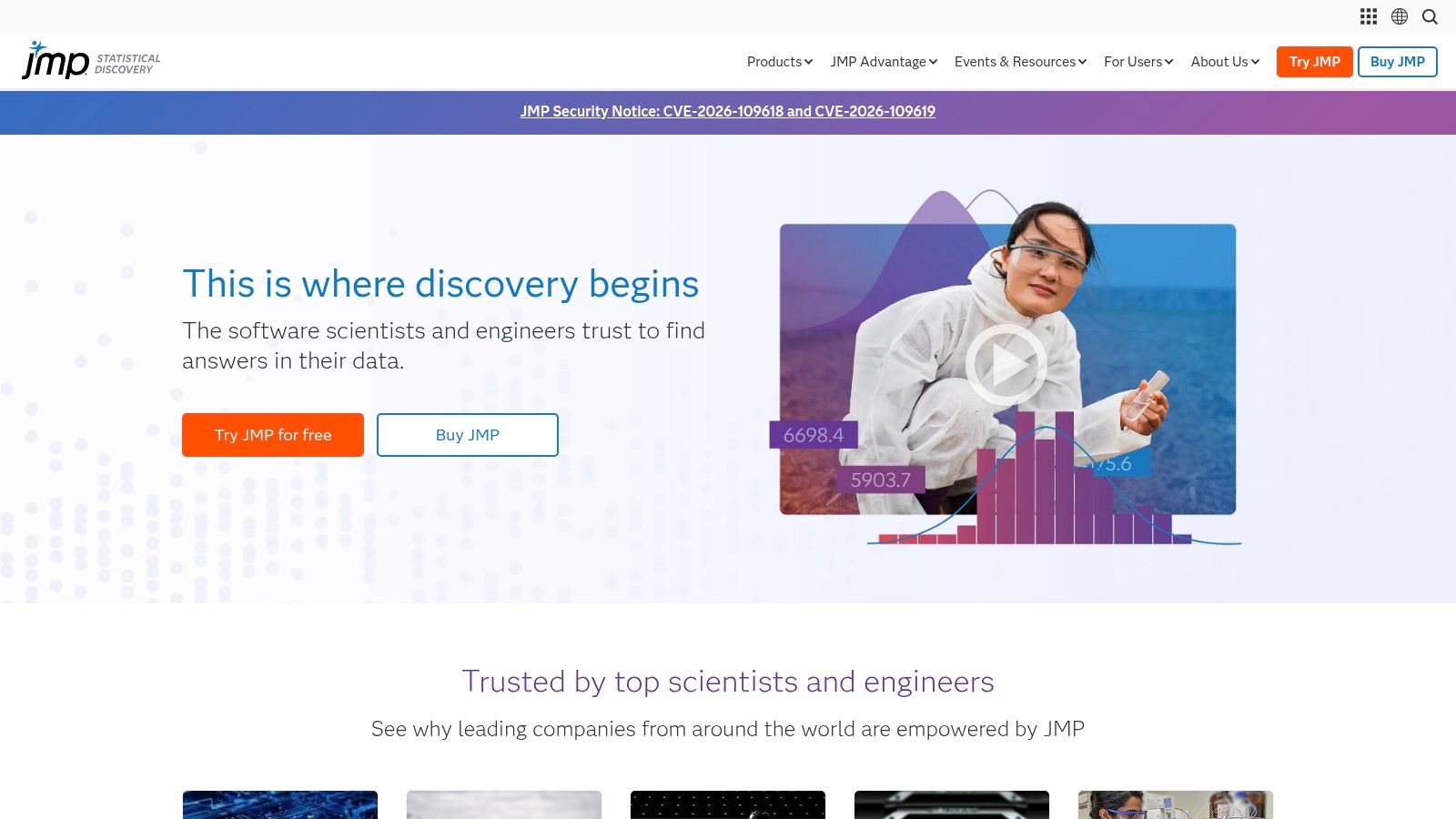
JMP's linked graphs and models make it easier to inspect how factor patterns relate to an outcome. Select observations or subgroups in a graph, then see them reflected in the analysis. This supports exploratory work before you finalize a model, though visual patterns do not replace assumption checks or a documented statistical rationale.
JMP supports ANOVA, MANOVA, and ANCOVA, alongside design-of-experiments and modeling tools. Scientists and engineers can design factorial experiments and analyze them in the same application. JMP Pro adds mixed models and predictive modeling, which may suit more complex analyses.
JMP's fit rests on workflow integration, not usage figures. It combines interactive exploration with formal tests, making it a candidate for applied research where analysts need to examine factor relationships and report model results.
What to Check Before Buying
Assess the model options against the design you plan to analyze. Verify support for unbalanced cells, interaction terms, random effects, and multiplicity adjustment. Confirm that the quoted edition includes the mixed-model features your work requires. Then check whether the output supports your reporting and reproducibility needs.
- Visual exploration: Linked graphs help identify outliers, patterns, and potential interactions for follow-up.
- Experimental design: Design tools and analysis are available in one application.
- Evaluation options: A trial is available, along with academic licensing.
Commercial pricing can be substantial without institutional access, and some advanced capabilities require JMP Pro. For a basic one-way comparison used occasionally, that scope may exceed the need. A free GUI may be more proportionate.
Best for: Experimental scientists and engineers who explore and model interactively. Not ideal for: Occasional users or teams without a budget for commercial licensing.
5. Minitab Statistical Software
Ask where Minitab Statistical Software is used and the answer usually involves process data. Shifts, machines, operators, suppliers, and production sites become factors. ANOVA then helps separate process signals from routine variation. Minitab's structured environment fits that quality-improvement context well.
The product is available through desktop and online access. Annual Statistical Software licensing includes support and updates according to its purchase page. The wider platform adds dashboards and predictive analytics, which may matter to an organization but not to a researcher extracting one factorial result for a manuscript.
Power belongs in the same evaluation as model choice. A credible workflow documents the primary endpoint, assumed effect size, alpha, target power, allocation, and analysis population. A reproducible power workflow depends on those documented inputs, not just a sample-size button. Pair that discipline with power analysis software guidance for planning group comparisons before data collection, not after a nonsignificant result.
Fit and Limits
- Structured analysis: A mature environment supports repeatable quality and process studies.
- Support included: The listed annual license includes support and updates.
- Platform breadth: Dashboards and related tools can serve operational teams beyond one test.
A nonsignificant F test from an underpowered design isn't evidence that groups are equivalent.
The listed individual price may be high for students or occasional users. Minitab's emphasis also leans toward process and quality applications rather than academic publication workflows. If your main outputs are manuscript figures, Bayesian models, or custom scripts, compare it carefully against Prism, JASP, or R.
Best for: Quality, manufacturing, and process-improvement analyses. Not ideal for: Students watching cost or researchers centered on publication graphics and custom code.
6. JASP
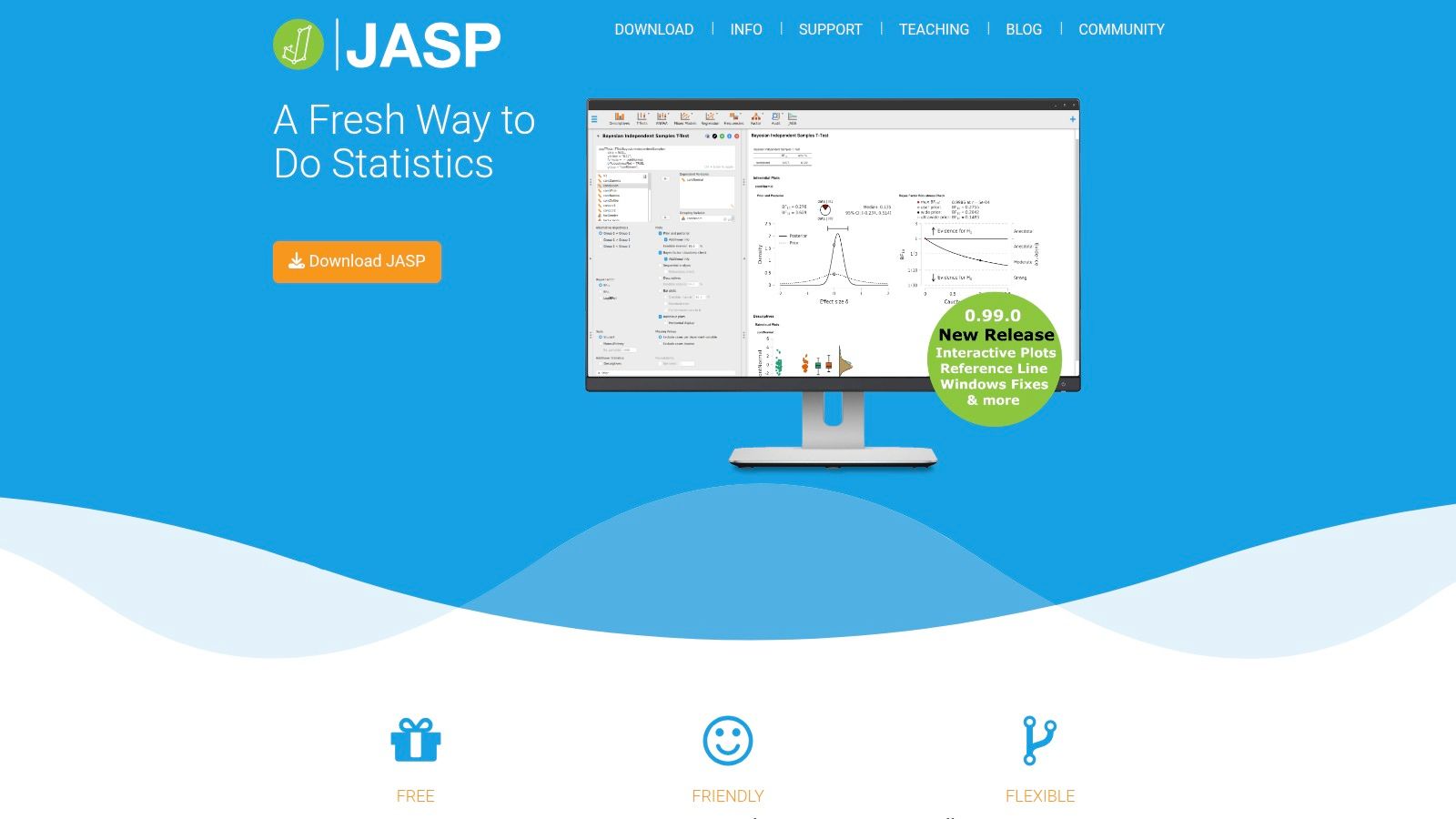
What happens if your theory predicts evidence for a null effect, not just failure to reject it? JASP is the clearest low-cost answer in this list. This free, open-source desktop application provides classical and Bayesian procedures through a graphical interface, with ANOVA available through its official module system.
That dual framework changes the questions you can ask. A classical analysis gives an F test and p-value under the null. A Bayesian ANOVA can quantify relative evidence for competing models, including models with and without an interaction. You still must justify priors and model comparisons, but the interface makes that reasoning accessible without first learning a programming language.
Assumptions shouldn't be reduced to two pass or fail tests. Methodological evidence indicates that heterogeneity of variance generally affects the F test more than non-normality, with risk shaped by sample size, variance ratios, and equality of group sizes. Non-normal residuals alone don't automatically invalidate ANOVA. Unequal variances paired with unequal group sizes deserve closer attention, possibly through Welch procedures or resistant comparisons.
Why Teachers and Researchers Use It
- No license fee: Core desktop software runs on Windows, macOS, and Linux.
- Interactive output: Results update as settings change, which helps students connect choices to consequences.
- Classical and Bayesian options: You can compare inferential frameworks without changing applications.
Specialist methods may require extra modules or another tool. Script-first researchers may also find a GUI limiting when analyses become pipelines. Most critically, JASP can't know whether observations are independent. You must map the design before selecting a menu.
Best for: Teaching, Bayesian ANOVA, and transparent routine analyses at no cost. Not ideal for: Fully scripted pipelines or highly specialist models outside available modules.
7. jamovi
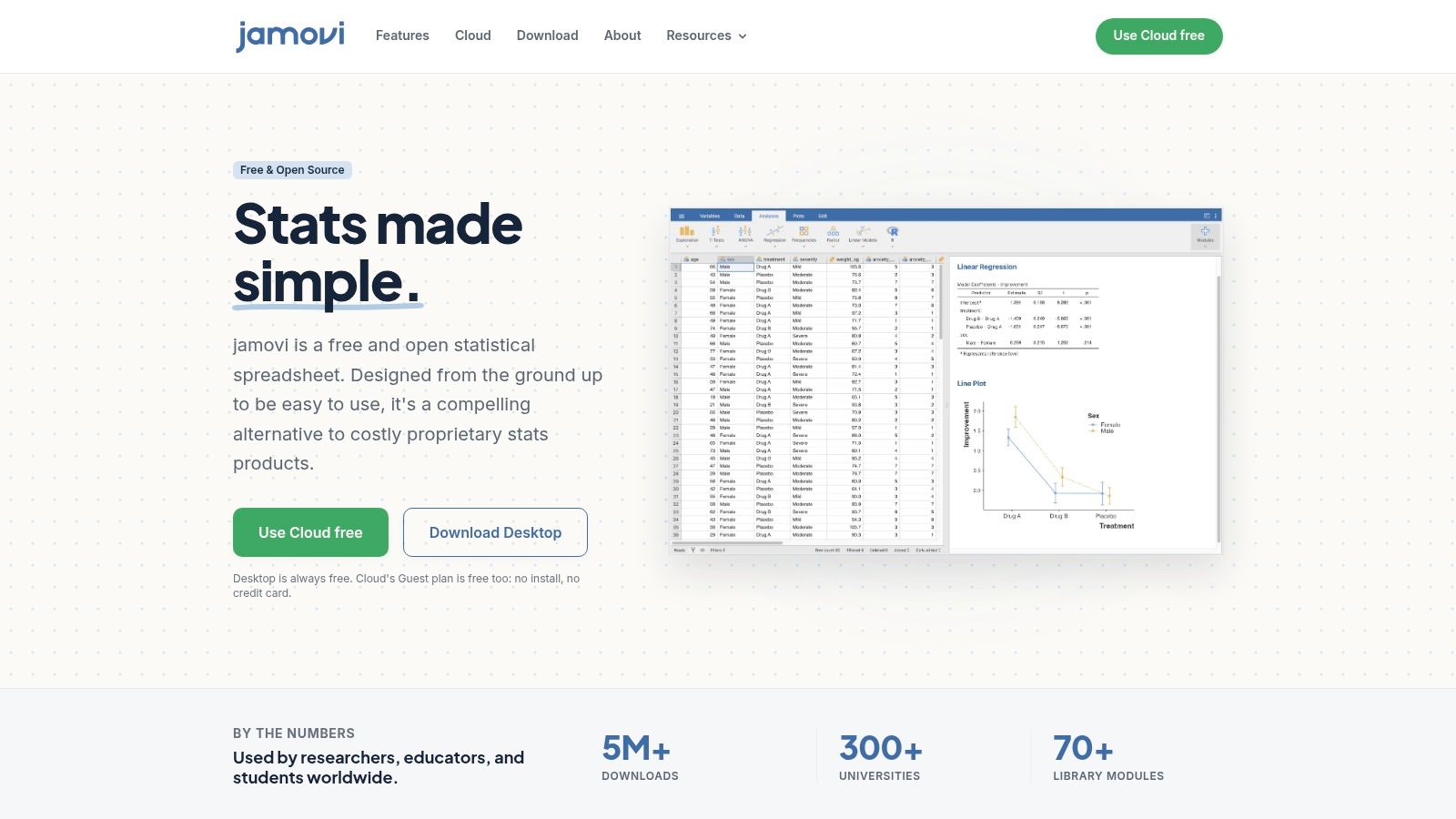
You can see the R syntax behind your clicks. That's jamovi in one sentence, and it's why the tool works as a bridge. Researchers begin in a spreadsheet-like interface, then inspect the code associated with an analysis as their scripting confidence grows.
Built-in procedures include factorial ANOVA, repeated-measures ANOVA, and ANCOVA. Community modules extend the library. The desktop version runs locally and offline, while a browser-based Cloud option supports access from other machines. Analyses and results can be saved together, which is a real reproducibility advantage over screenshots of output.
How common are the designs jamovi emphasizes? A preclinical reporting review found one-way ANOVA most frequent, followed by two-way and repeated-measures one-way designs. The numbers aren't repeated here, but the ranking is instructive. Covering factorial and repeated-measures workflows well matters more than adding exotic tests you'll never run. For a broader free-tool comparison, open source data analysis software options for research workflows places jamovi in context.
Strengths and Caveats
- Free local desktop use: You can work offline without a license.
- Saved analysis files: Data, settings, and results travel together for review.
- Visible R connection: The syntax link supports learning and later migration to scripted work.
Specialist analyses depend on modules, and module scope and interfaces vary. Cloud use isn't the same as an entirely local workflow, which matters for restricted datasets. A friendly interface also doesn't remove model-selection work. You still decide whether a covariate belongs in ANCOVA and whether its relationship with the outcome is compatible with the model.
Best for: Researchers who want free ANOVA with a path into R. Not ideal for: Teams needing one vendor to guarantee every specialist procedure.
8. Stata
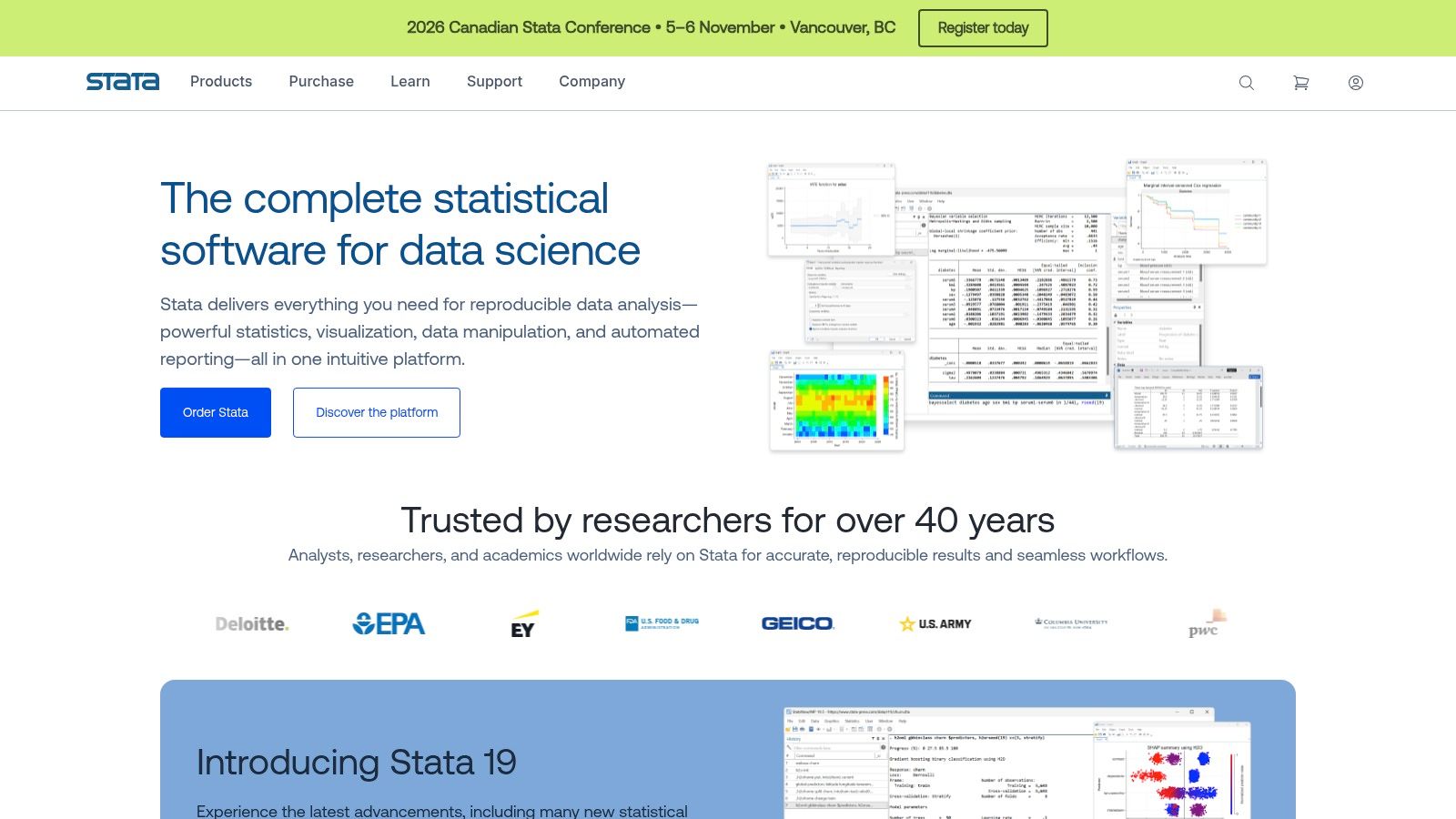
Nested factors expose weak ANOVA menus quickly. Students within classes, plots within farms, and patients within clinics don't behave like fully crossed independent groups. Stata handles multifactor, nested, repeated-measures, fixed-factor, and random-factor ANOVA, plus ANCOVA and MANOVA, through menus and commands.
Commands are the point. A do-file records data management, factor definitions, model terms, contrasts, and follow-up tests in order. Another researcher can rerun that file, inspect a disputed decision, and produce the same table. That audit trail is stronger than a folder of exported output with no record of mouse clicks.
Reporting guidance makes the same demand. Credible reporting should identify software and version, assumption checks, sample sizes and power inputs, missing-data handling, corrections, and effect sizes such as eta-squared or omega-squared, as set out in reporting standards for statistical analysis and reproducible results. Stata supports contrasts, estimated means, pairwise comparisons, and effect-size calculations that feed that record.
Where Stata Earns Its Price
- Complex designs: Unbalanced data, missing cells, and several experimental structures are within scope.
- Reproducible commands: Scripts preserve the analysis sequence alongside graphics and reporting.
- Support and updates: Annual licenses include updates and technical support during the term.
You'll pay for a license, and the price depends on edition and buyer category. The command language also takes time to learn, even with menus as scaffolding. For a simple balanced one-way ANOVA, Stata may be unnecessary. For a multi-site research program with repeated analyses, its discipline is the value.
Best for: Economics, epidemiology, social science, and complex experimental designs. Not ideal for: One-off basic analyses where licensing and learning time dominate the benefit.
9. OriginPro
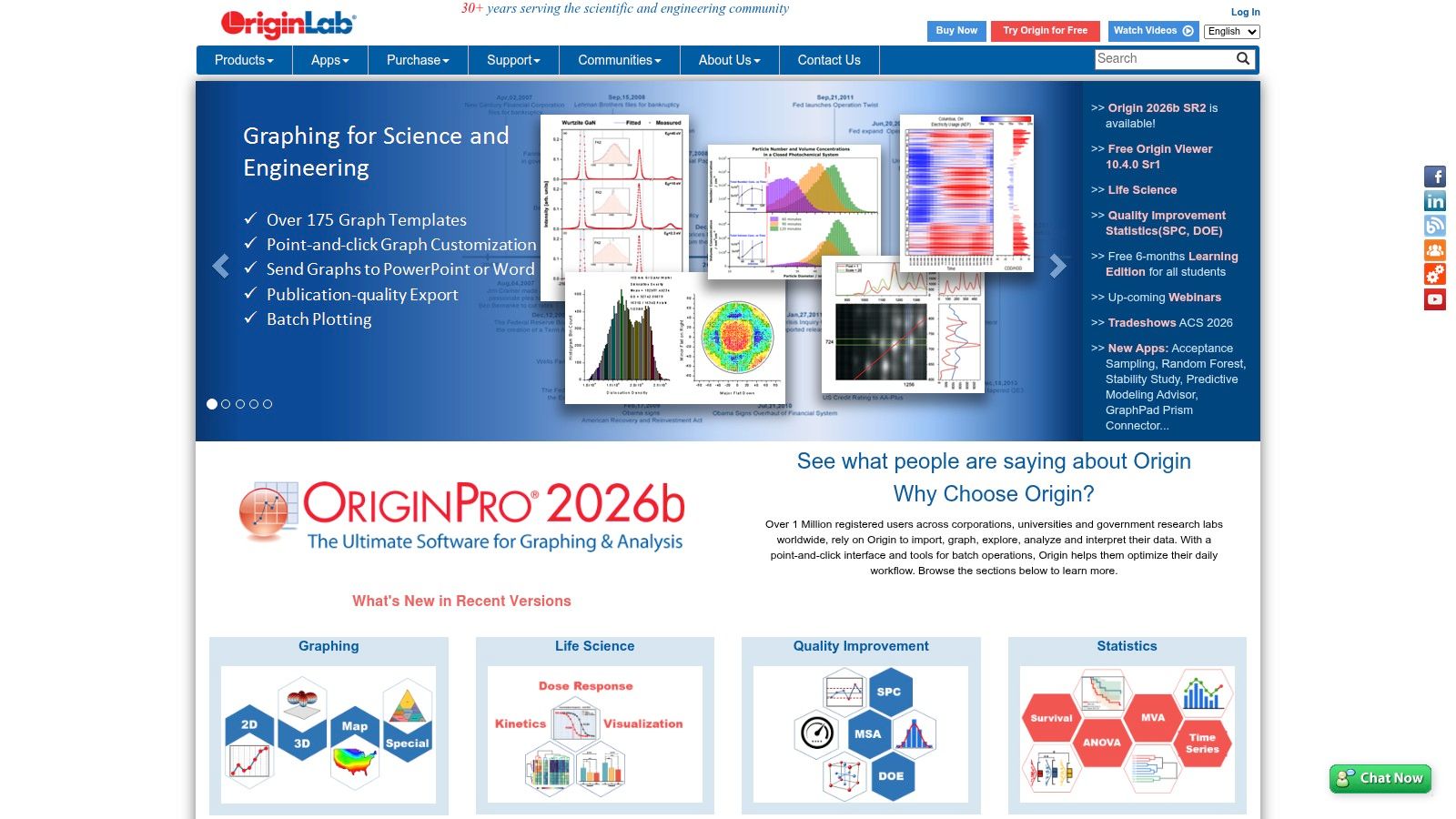
Some researchers start with a curve, spectrum, or materials plot, then ask whether groups differ. OriginPro serves that order of work. It's a scientific data-analysis and graphing application where plotting isn't an afterthought and statistical tools sit beside the figures derived from the same data.
Version choice matters. Origin includes one-way and two-way ANOVA. OriginPro adds repeated-measures ANOVA and other advanced statistical capabilities. That distinction is decisive if your design measures the same specimens under successive conditions. Buying the base product for a repeated-measures question leaves you short.
A Stats Advisor helps users locate suitable analysis tools inside the application. Treat that as navigation, not methodological validation. It can point you to a procedure. It can't confirm that repeated observations are correctly paired or that a batch effect should enter the model. Researchers comparing figure-centered environments may also find data visualization software for scientific and analytical work useful when output quality is part of the purchase decision.
Trade-Offs to Weigh
- Analysis with graphing: Statistical results and scientific plots are produced in one desktop application.
- Broader scientific toolkit: Capability extends beyond ANOVA for laboratory data work.
- License choices: Several subscription and license options are available.
The desktop application is Windows-focused, which can exclude Mac-based labs without a workaround. Advanced ANOVA requires OriginPro, and pricing or academic eligibility depends on license type and purchaser. Check those details against your exact design before purchase.
Best for: Physical science and engineering researchers who combine plotting with group comparisons. Not ideal for: Mac-centered teams or users who only need base repeated-measures capability at the lowest cost.
10. R
Your script is the methods record. R is a free environment for statistical computing and graphics, not a dedicated ANOVA application. You choose the function or package, specify the formula, set contrasts, run diagnostics, and save every step for inspection and rerun.
That control is valuable when designs stop being textbook examples. You can move from a standard factorial model to estimated marginal means, sturdy alternatives, mixed models, or sensitivity analyses without waiting for a vendor menu to expose the option. Community packages extend the environment across disciplines, and graphics can be generated from the same script as the test.
Adoption patterns support its research role. Earlier survey evidence shows R is used in both workplaces and education, with educators reporting higher use. The exact figures aren't repeated here. The practical conclusion is that collaborators in academic settings often can read, review, or rerun R code even when they don't share a commercial license.
What R Gives You and What It Demands
- No license fee: The environment is free on Windows, macOS, and Unix-like systems.
- Inspectable workflows: Scripts document model formulas, packages, transformations, and figures.
- Extensibility: Community packages support custom and emerging methods.
Version rule: Save package versions with the script. Exact code with unrecorded versions is only partly reproducible.
R is less guided than Prism, SPSS, JASP, or jamovi. You must learn syntax, select appropriate functions, and understand choices such as contrast coding and sum-of-squares type. Those choices can change hypothesis tests in unbalanced designs. R rewards statistical literacy. It doesn't substitute for it.
Best for: Reproducible, customized, and code-reviewed research. Not ideal for: Beginners who need a guided interface today.
ANOVA test software at a glance
| Item | Pricing Model | Code Access | Best For |
|---|---|---|---|
| PlotStudio AI (recommended) | Free trial; managed credits, BYOK, and academic pricing; specific prices not listed | Inspectable Python code; export reproducible Jupyter notebooks | Automated, reviewable analysis and report creation |
| GraphPad Prism | Paid subscription after free trial; academic and student licenses available | Guided workflows; less suited to code-first work | Scientists and biomedical researchers creating analyses and publication-ready graphs |
| IBM SPSS Statistics | Subscription; advanced add-ons may cost extra | Point-and-click interface with optional syntax | Teams and institutions using broad, standard statistical workflows |
| JMP | Commercial pricing; 30-day trial and academic licenses available | Code access not specified; interactive analysis and visualization | Scientists and engineers exploring experimental data |
| Minitab Statistical Software | Annual license; support and updates included | Code access not specified; structured statistical environment | Quality improvement and process analysis |
| JASP | Free, open-source desktop software | Inspectable statistical output; code access not specified | Routine classical or Bayesian analyses, teaching, and research |
| jamovi | Free desktop version; browser-based Cloud option | Displays associated R syntax | Point-and-click analysis with a bridge to R |
| Stata | Paid licenses; annual options include updates and support | Command-based scripting and menus | Research analysis requiring broad methods and reproducible workflows |
| OriginPro | Subscription and license options; advanced ANOVA requires OriginPro | Code access not specified; includes analysis and plotting tools | Scientific analysis and graphing in a desktop application |
| R | Free software | Script-based, inspectable, rerunnable code | Flexible custom analysis and reproducible research |
Match the Tool to the Design, Then Validate the Output
A defensible ANOVA depends on a record of the decisions behind it. Preserve the data version, software and package versions, model formula, factor coding, assumption evidence, missing-data rule, post-hoc correction, effect size, and confidence intervals. This audit trail lets another researcher reconstruct the analysis and see where judgment entered.
Report partial eta-squared or omega-squared when appropriate, alongside the design and population that give the estimate meaning. A large share of explained variance in a narrow laboratory sample may not generalize to a field population. Post-hoc comparisons should address prespecified hypotheses or clearly labeled exploratory questions. A significant omnibus test alone does not justify unrestricted pairwise testing.
Diagnostics should inform the model choice. Plot residuals and group distributions, then check whether unequal variances coincide with unequal group sizes. Where the design warrants it, compare classical ANOVA with Welch or resistant results and document the rationale for the selected method. Agreement can support confidence; a meaningful difference signals sensitivity to modeling assumptions and belongs in the report.
Tool selection also depends on how much of the workflow needs to be inspected. Prism and OriginPro keep figures close to tests. SPSS, JMP, Minitab, and Stata support different institutional and design traditions. JASP provides Bayesian options, while jamovi displays associated R syntax. R offers direct control over model specification and code, with the analyst responsible for validation and documentation.
PlotStudio AI takes an agentic, code-inspectable approach alongside these packages: users ask questions in plain English, and specialized agents plan, code, execute, and narrate analyses. Its QA agent checks assumptions, data leakage, and statistical issues, while each question produces a structured analysis page with tables, charts, tests, and interpretation. Treat that output as a workflow to audit, not as a substitute for judgment. Verify that the chosen factors, model, and post-hoc comparisons match the research question.
For a final audit, rerun the saved workflow on the archived dataset. Check group counts, degrees of freedom, means, and post-hoc intervals against the manuscript. Degrees of freedom provide a practical diagnostic: a mismatch with the described design may indicate case deletion, an incorrectly independent repeated factor, or a different model specification. Resolve the discrepancy before reporting results.
The strongest choice is the tool that supports the decisions your analysis requires and leaves them inspectable. Review the saved workflow for model specification, diagnostics, multiplicity control, effect estimates, and reproducibility. Speed is useful after those checks are covered.