
The best free AI tools for PhD students each do one job well: finding papers, screening them, mapping a field, writing clearly, or analyzing your data. For quantitative analysis and figures, start with PlotStudio AI. For finding papers, use Semantic Scholar. For screening and extraction, use Elicit. For visual literature mapping, use Research Rabbit. For academic language polish, use Writefull. No single free tool covers a whole dissertation, so you assemble a small kit.
The problem is that most "free" AI tools are free for a week or capped after a few uses. You find that out in the middle of a literature review or the night before a committee draft. Many tools also hide the limits on a pricing page, and some write confident text that cites papers that do not exist.
I picked these five by four tests. You can start without a credit card. The limits are clear. They fit a real PhD workflow from search to writing. They leave the thinking to you. Free plans change, so check each pricing page before you build a workflow around one. Follow your university's and your target journal's rules on AI use.
1. PlotStudio AI for data analysis and figures
PlotStudio AI is a desktop workspace for analyzing research data in plain English. It suits PhD students with a dataset, a hypothesis, and a deadline, and it is the only pick here for the analysis stage.
What it does
You upload a CSV or Excel file and ask a question. A team of AI agents plans the analysis, writes and runs Python, and returns tables, charts, statistical tests, and an interpretation on a saved analysis page. It also scores your data quality when you upload and proposes a cleaning plan. Analysis runs on your machine, and your datasets are not stored on PlotStudio's servers. If you work with sensitive data, still check your IRB and institutional rules.
You stay in control of the method. Verification Mode lets you read the plan, question it, and edit the methods and assumptions before anything runs. Afterward you can export a PDF report or a Jupyter notebook that reproduces the results with Run All. Treat the output as a draft: you are still responsible for choosing the right test and checking the result.
Free plan and who it suits
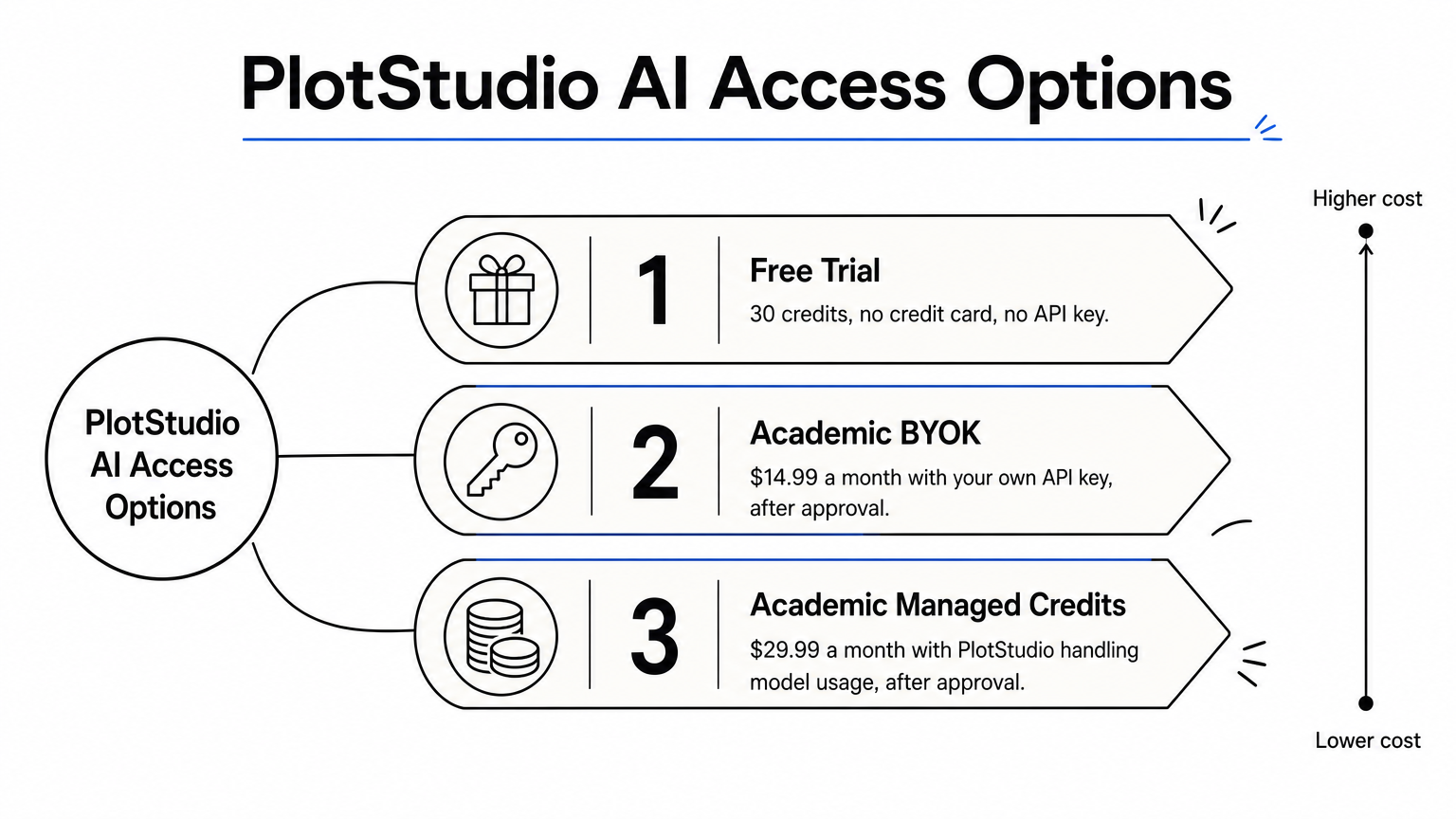
The free route is a trial, not a permanent plan, so budget for what comes after it. The paid academic plans require approval and an active affiliation with an accredited university, research institute, or research hospital.
- Free trial: 30 credits, no credit card, no API key.
- Academic BYOK: $14.99/month with your own API key, after approval.
- Academic Managed Credits: $29.99/month with PlotStudio handling model usage, after approval.
It suits students with quantitative or clinical data who do not want to code every test and figure from scratch. It does not help with literature search or prose.
Use the free credits on one real chapter dataset, because that tells you faster than any review whether the workflow fits.
2. Semantic Scholar for finding papers
Semantic Scholar is a free, AI-assisted academic search engine from the Allen Institute for AI. It suits anyone starting a literature search who wants more signal than a plain keyword list.
What it does
Search results include short AI-generated TLDR summaries for many papers, so you can judge relevance in seconds. You can open a paper's citations and references, and follow a thread forward and backward from one strong source. That beats scrolling through page after page of abstracts.
You can also save papers to a library and set up alerts and feeds for new work on your topic. Over a multi-year PhD, those alerts keep your literature review from going stale.
Free plan and who it suits
It is free to use, and an account is only needed for the library and feeds. It works best as your first stop, before the screening tools below. Coverage varies by field, so pair it with your discipline's main database, such as PubMed in biomedicine.
- Cost: free
- Best for: the first pass of a literature search and ongoing alerts
- Limit: summaries are short and can miss nuance, so read the abstract before you cite
Semantic Scholar is the free tool to open first, because every other tool on this list works better once you know which papers matter.
3. Elicit for screening and extracting evidence
Elicit is an AI research assistant that works from a question instead of keywords. It suits students doing a structured review who need to screen many papers and pull out the same details from each.

What it does
You ask a research question, and Elicit returns relevant papers with summaries. Its strongest feature is the table view. You add columns such as sample size, method, or population, and it fills them from each paper's text. That turns a pile of PDFs into a comparable grid. Spot-check the entries, because extraction can be wrong.
The tool ties answers to passages in the source, which lets you verify instead of trusting. Always open the original paper before you cite a figure.
Free plan and who it suits
Elicit offers a free plan, and its heavier features, such as large-scale extraction, are limited on it. Check the current allowance before you plan a full review around it.
- Cost: free plan with usage limits
- Best for: evidence tables, scoping reviews, and comparing methods across studies
- Limit: the free tier may run out mid-project, so extract only your highest-value papers
Elicit pays off when you define your columns first, so write down what you need from each paper before you upload anything.
4. Research Rabbit for mapping a field
Research Rabbit is a free tool that turns a handful of papers into a visual map of a field. It suits students entering a new subfield who do not yet know the key authors or the gaps.

What it does
You build collections from papers you already trust. Research Rabbit then shows similar work, the references and citations around each paper, and other work by the same authors. The network view makes clusters and isolated corners of a topic visible in a way a list cannot.
It also sends recommendations as your collections grow. A good habit is to keep one collection per thesis chapter, so suggestions stay focused.
Free plan and who it suits
It is free to use at the time of writing, and you create an account to save collections. Because it is a discovery tool, it does not summarize papers or answer questions, so pair it with Semantic Scholar or Elicit.
- Cost: free
- Best for: scoping a new area and finding the papers everyone else cites
- Limit: it recommends by connections between papers, so it can reinforce the same school of thought
Seed Research Rabbit with five papers you actually trust, because the map is only as good as its starting points.
5. Writefull for academic language polish
Writefull is a language tool built for academic writing. It suits PhD students who write in English as an additional language, or anyone who wants a clean pass before sending a draft to a supervisor.
What it does
Its models are trained on published research, so its suggestions follow academic phrasing instead of generic web prose. It checks grammar and word choice, offers paraphrasing, and has tools that help with titles and abstracts. It works with Microsoft Word and Overleaf, which matters if you write your thesis in LaTeX.
Use it to fix sentences, not to generate arguments. If a journal or your university requires disclosure of AI assistance, follow it.
Free plan and who it suits
Writefull has a free tier with limited usage, and its full feature set sits behind a paid plan. Test it on one chapter and see whether the free allowance covers your needs.
- Cost: free tier with usage limits
- Best for: polishing drafts and catching academic-style errors
- Limit: it improves wording but cannot judge whether your argument holds
A language tool should clean up your sentences, and your ideas should stay yours.
Picking your starter set
A workable free kit has one tool per stage: Semantic Scholar to search, Elicit or Research Rabbit to screen and map, Writefull to polish, and PlotStudio AI to analyze data and produce figures. Add tools only when a stage is actually slowing you down. Verify every claim and citation against the original source, and keep your own judgment on the final call.
If your bottleneck is the analysis chapter, you can try PlotStudio AI free with 30 credits and no credit card, and see how your own dataset behaves.